Getting Started
Teams
Invite members, assign roles, and manage Streamoid app access.
Collaborate with your team securely by inviting members, assigning roles, and managing app access.
- Invite a Team Member
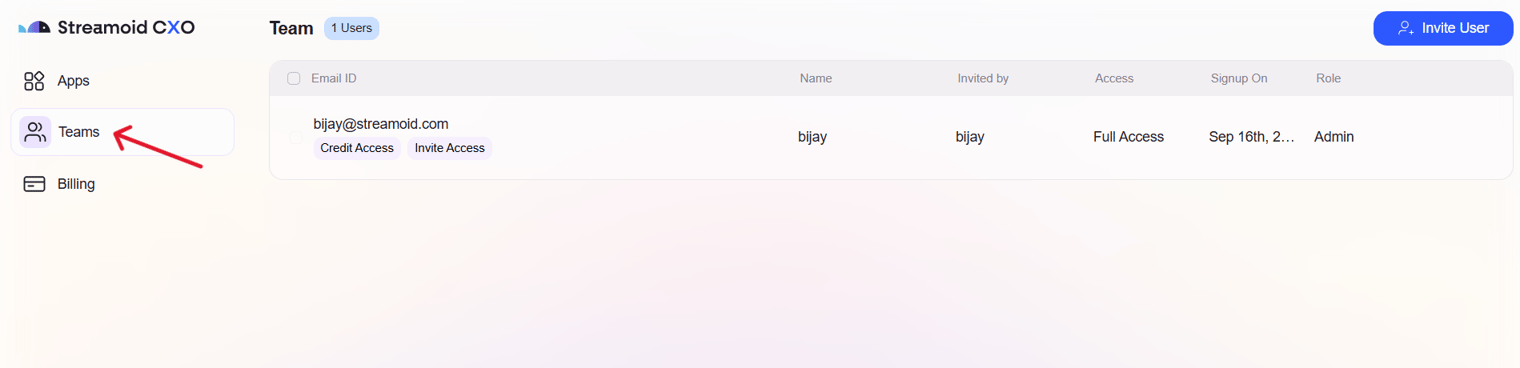
Go to the Teams tab and click Invite User.
- Set Permissions
Choose the member’s role (Admin or Member) and toggle credit or invite permissions.
- Assign App Access
Select which apps (ArtifaX, PhotogeniX, CatalogiX) the user can access, then click Invite.
Always assign the least required role. Group members by responsibility and review roles regularly for security.
Something missing or unclear? Write to support@streamoid.com.