Getting Started
Sign Up & Login
Create your Fashion Superintelligence account, verify your email, and access the dashboard.
This section walks you through creating your Fashion Superintelligence account and accessing the dashboard.
- Go to Fashion Superintelligence login
Visit app.streamoid.com/login and enter your email address.
- Verify Your Email
Check your inbox for a verification code from Streamoid and enter it on the login screen.
- Access the Dashboard
Once verified, your Fashion Superintelligence account is created and you’ll be redirected to your personalized dashboard.
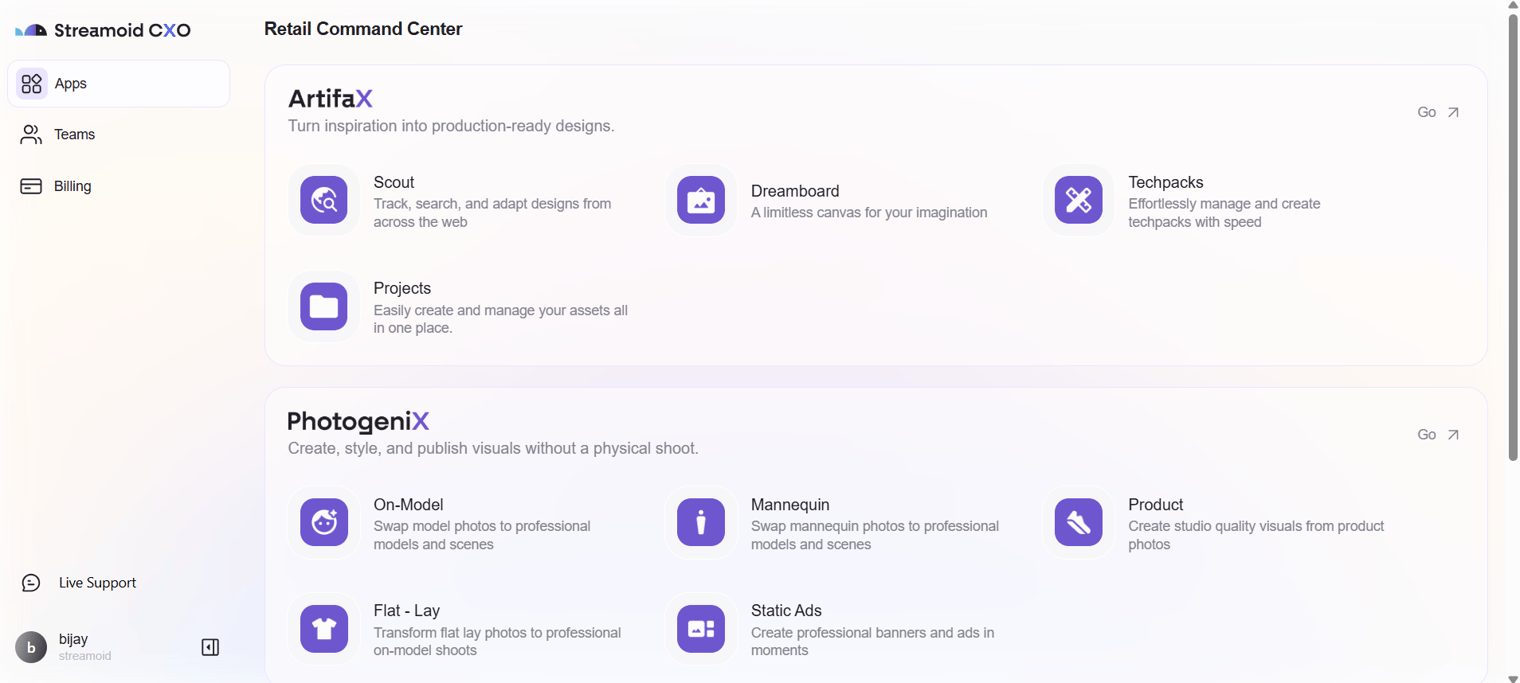
You can use the same account credentials across Streamoid apps like Artifax, Photogenix, and Catalogix.
Something missing or unclear? Write to support@streamoid.com.