Photogenix - Shoot it
Upload and Export
Upload assets, customize edits, and export your finished visuals.
Once you’re inside Photogenix, follow these core steps to generate and download finished renders.
- Upload Images
Follow on-screen instructions to upload your product or model images for your chosen use case.
- Select Edits
Choose your desired model, background, and styling options from the Photogenix library or create your own prompts.
- Generate
Click Generate to process the image using AI. Photogenix will render your visuals within seconds.
- Save Final Images
Go to the Renders tab to view and download your processed images. Export in marketplace-specific dimensions.
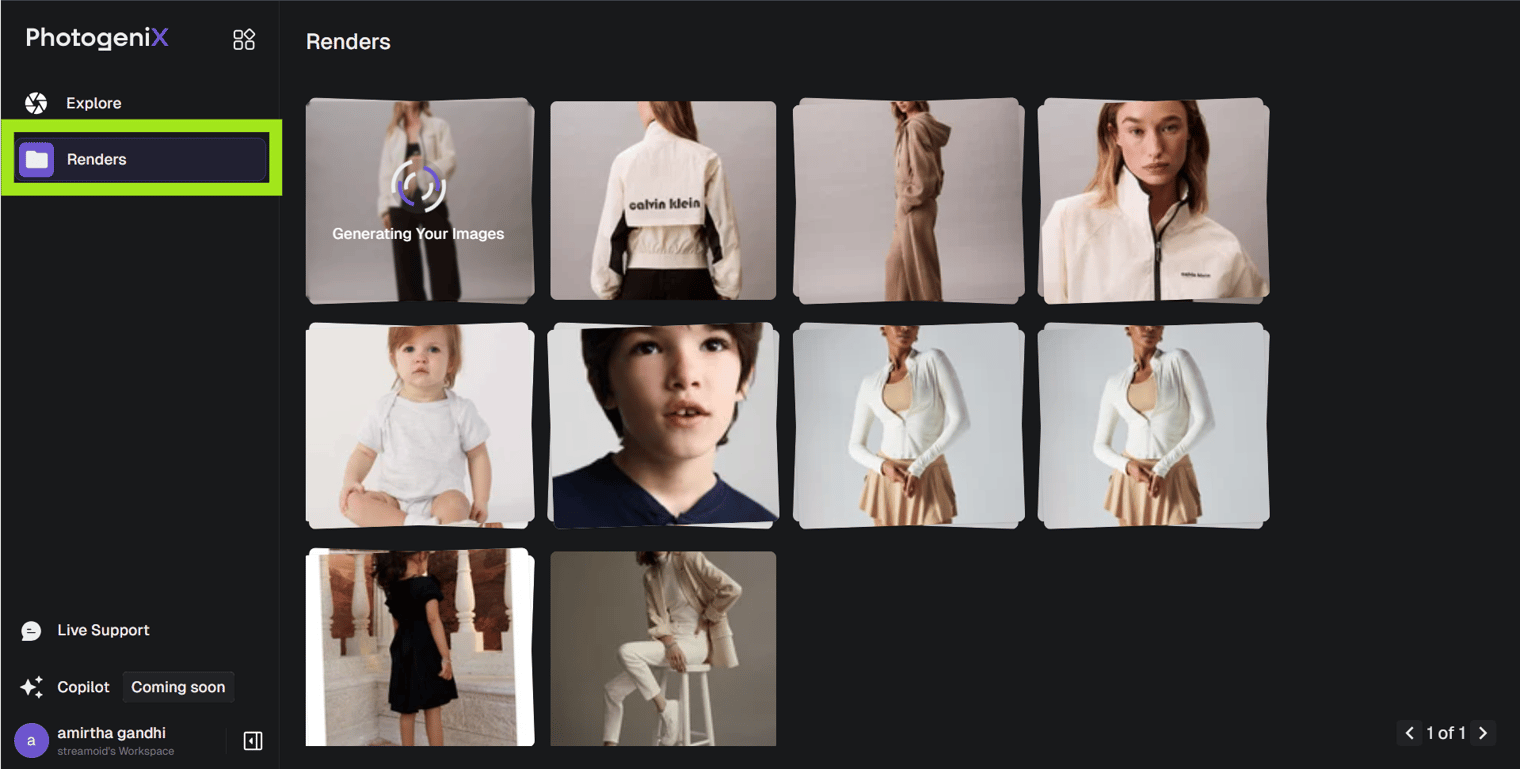
Use Regenerate if you want to tweak backgrounds or models without re-uploading the source image.
Something missing or unclear? Write to support@streamoid.com.