Getting Started
Switch Apps
Move between Artifax, Photogenix, and Catalogix within Fashion Superintelligence.
Move from one app to another
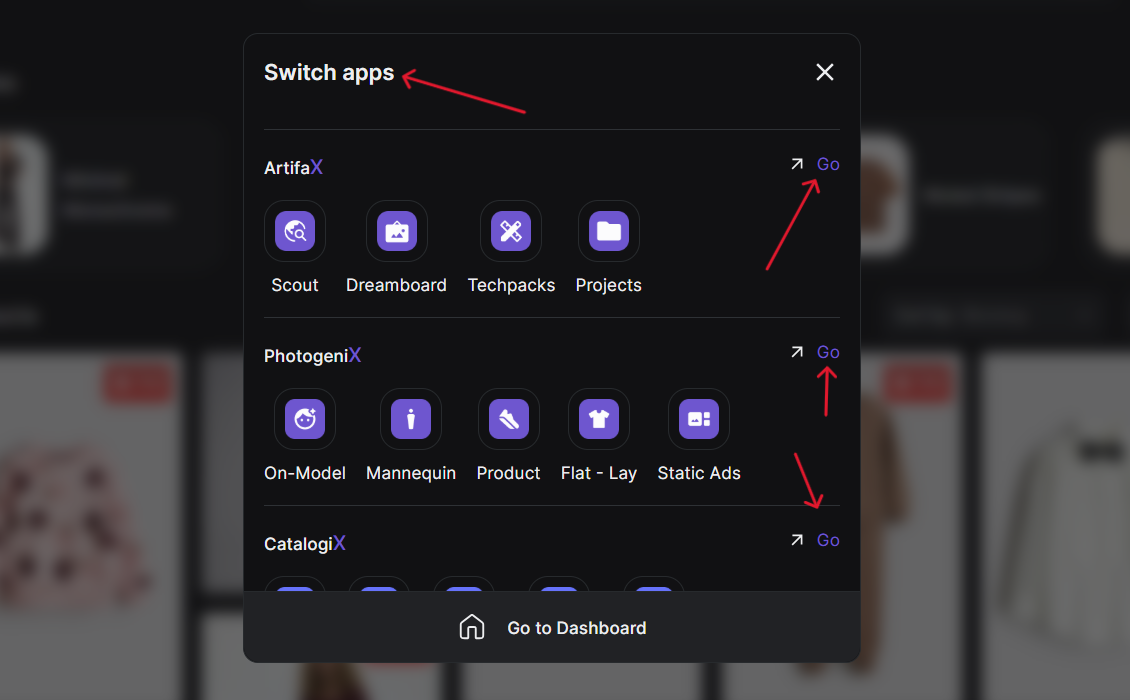
You can move seamlessly between Artifax, Photogenix, and Catalogix within Fashion Superintelligence.
- Open the Apps Menu
Click the four-cube icon next to the app label.
- Choose Your App
Select from Artifax, PhotogeniX, or CatalogiX, and click the arrow icon to switch instantly.
- Return to Dashboard
Click Go to Dashboard anytime to return to Fashion Superintelligence.
All apps share your workspace and billing, so transitions are instant and smooth.
Something missing or unclear? Write to support@streamoid.com.