Catalogix - List it
Collaboration and Activity
Coordinate Catalogix teamwork with assignments, online presence indicators, and detailed activity tracking.
Collaboration and Activity
Overview
Catalogix includes collaboration tools that help teams split workloads, stay aware of active teammates, and audit store changes. Use the sections below to assign owners, stay in sync, and review activity logs.
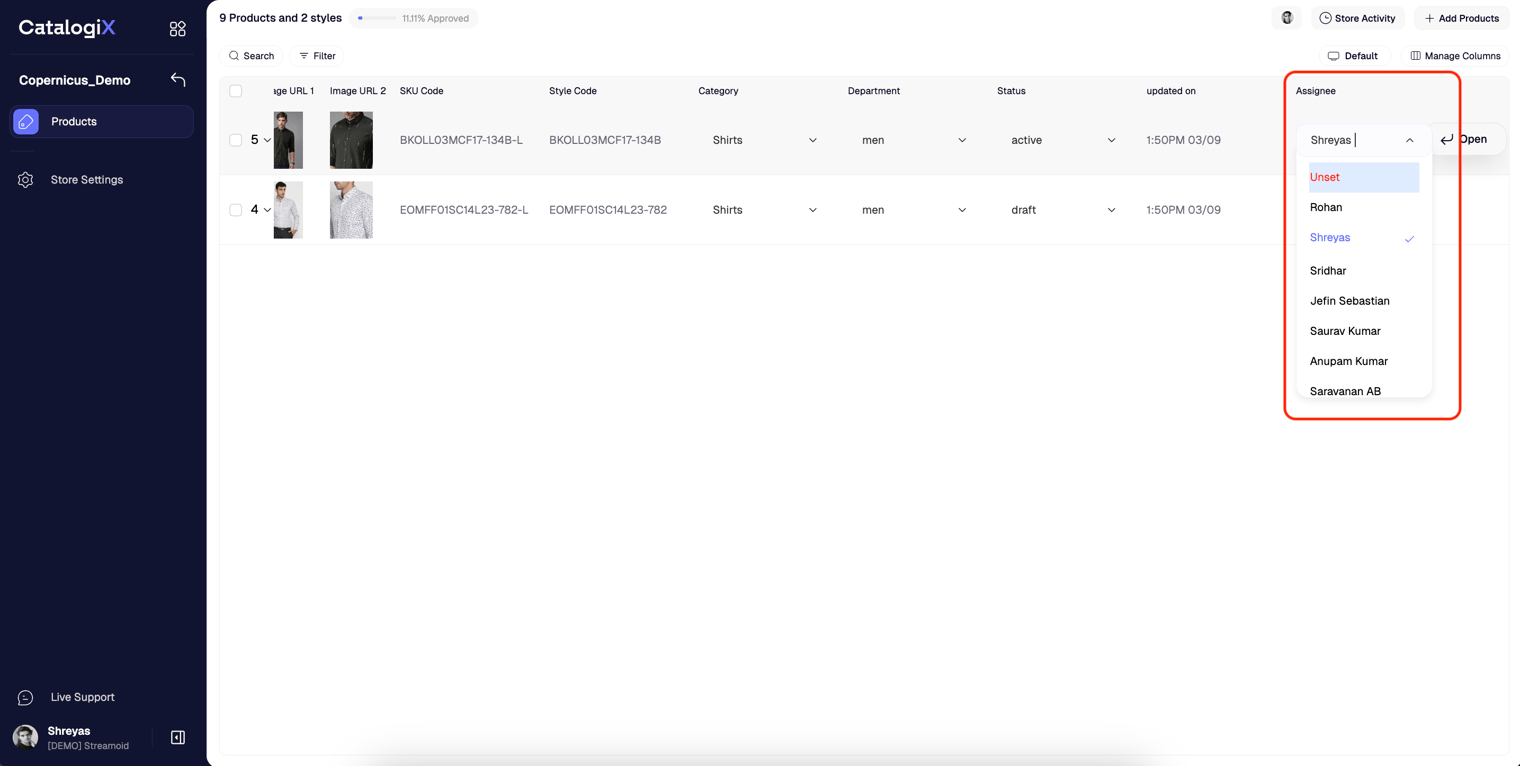
Assign Products
Use the Assignee attribute on the PLP to allocate products to teammates. Filter by assignee to review each member's workload individually.
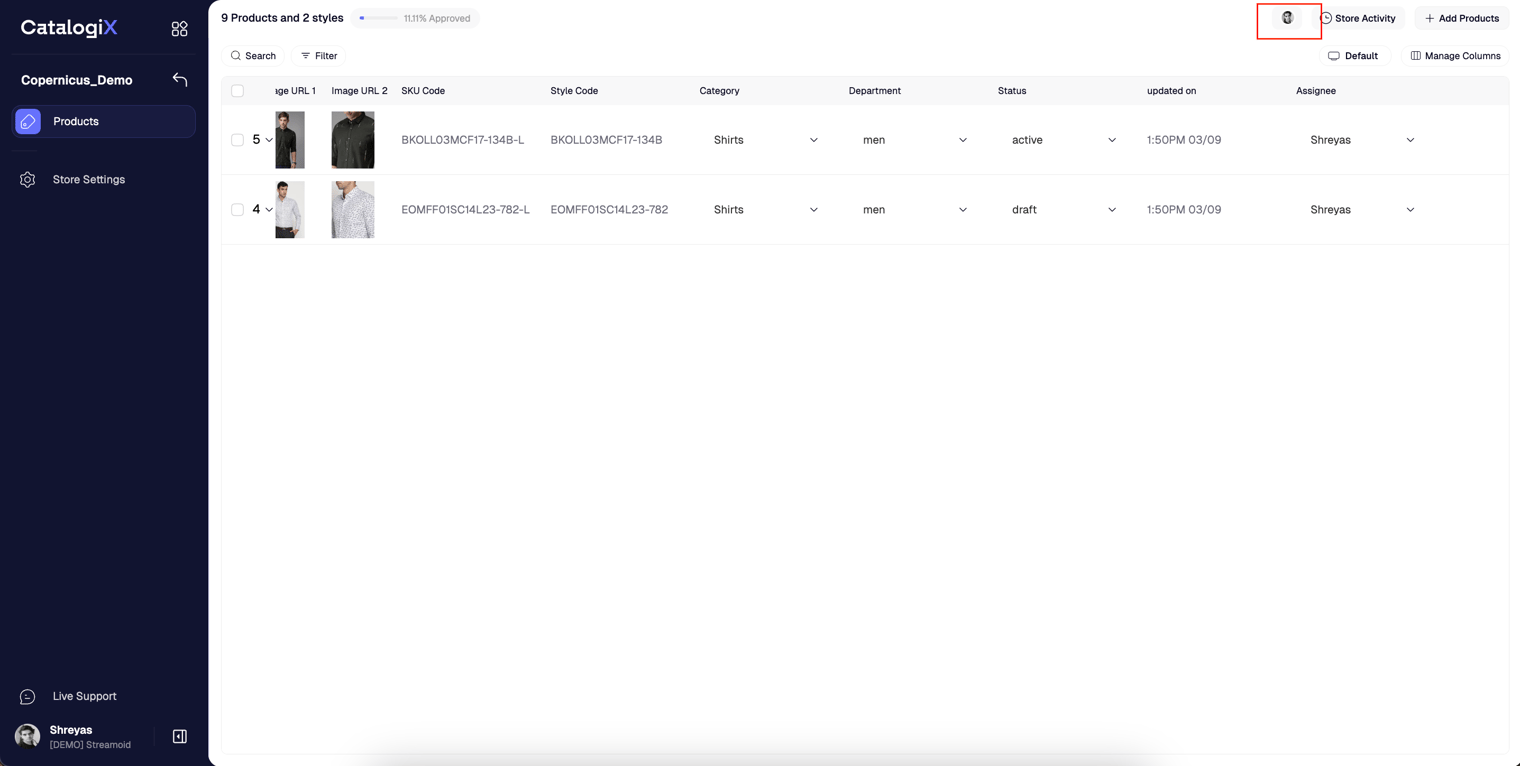
Online Status
Catalogix displays teammate initials in the upper-right corner of the PLP when they are online. This helps you see who else is working in the store in real time.
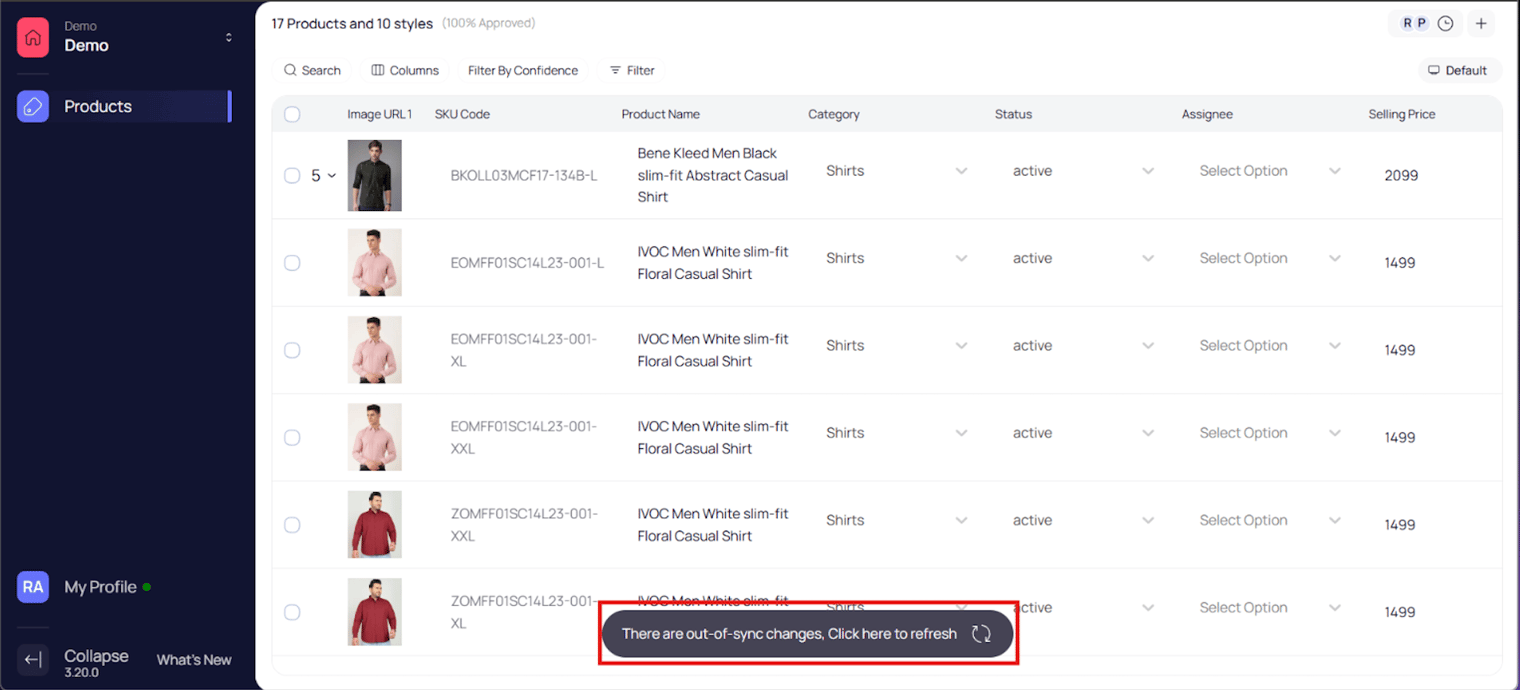
Sync Changes
Large updates, such as product uploads or bulk edits, trigger a Sync your changes prompt so everyone refreshes to the latest catalog data.
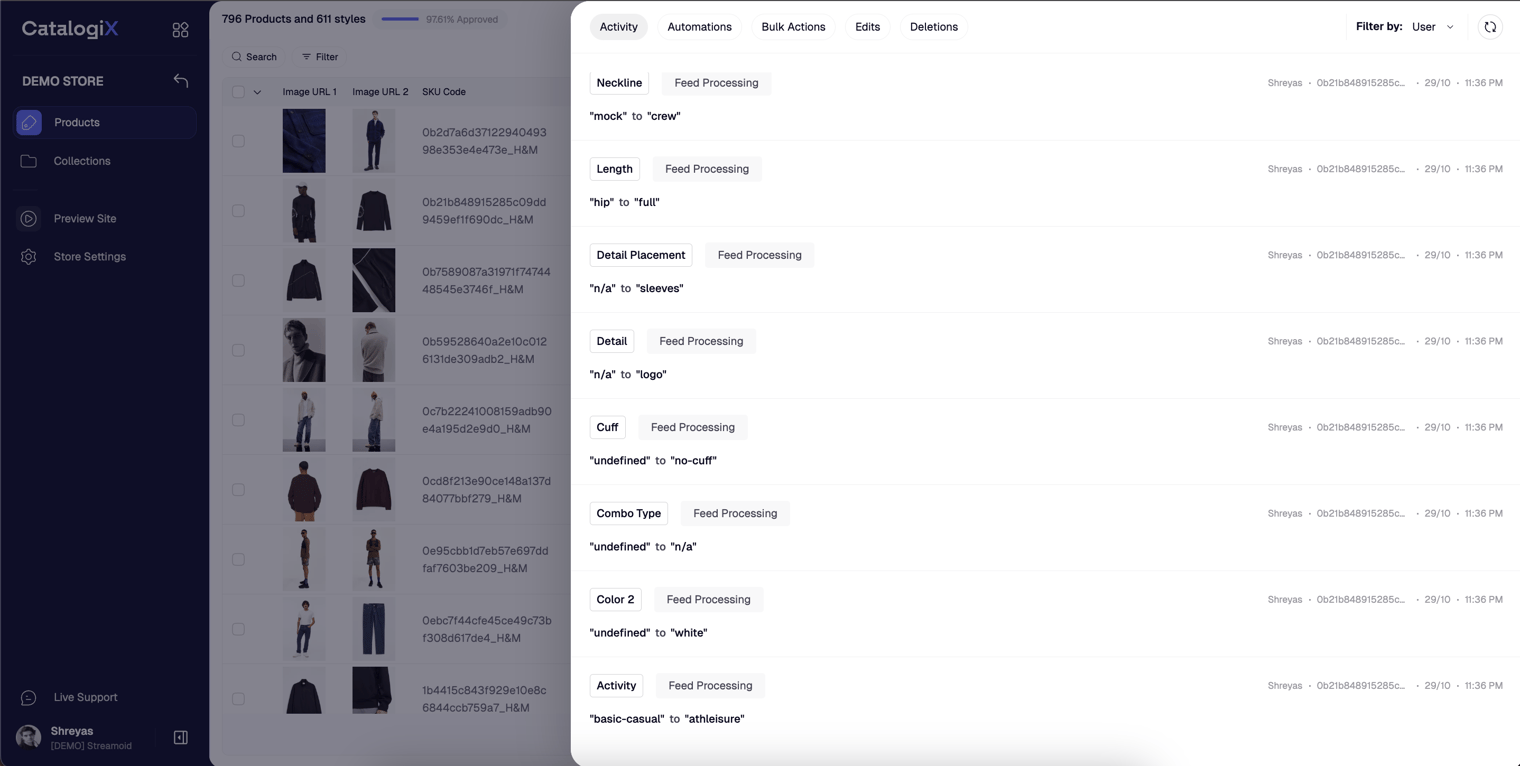
Store Activity
Open the clock icon on the PLP to launch the Store Activity timeline. Filter by date range or user to audit store-wide updates.
Automation History
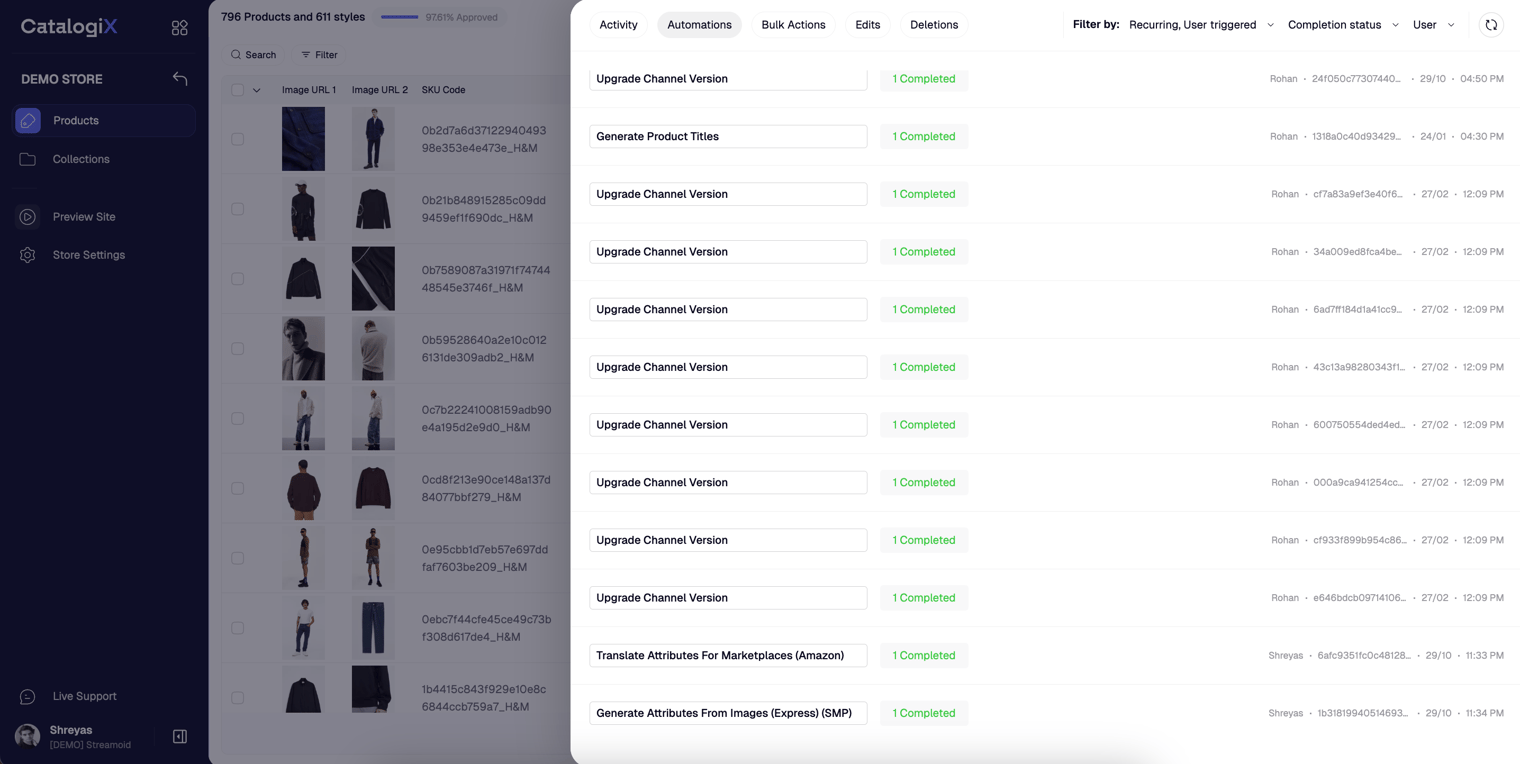
Within the activity panel, the Automations tab lists every automation executed on the store along with its status.
Edit History
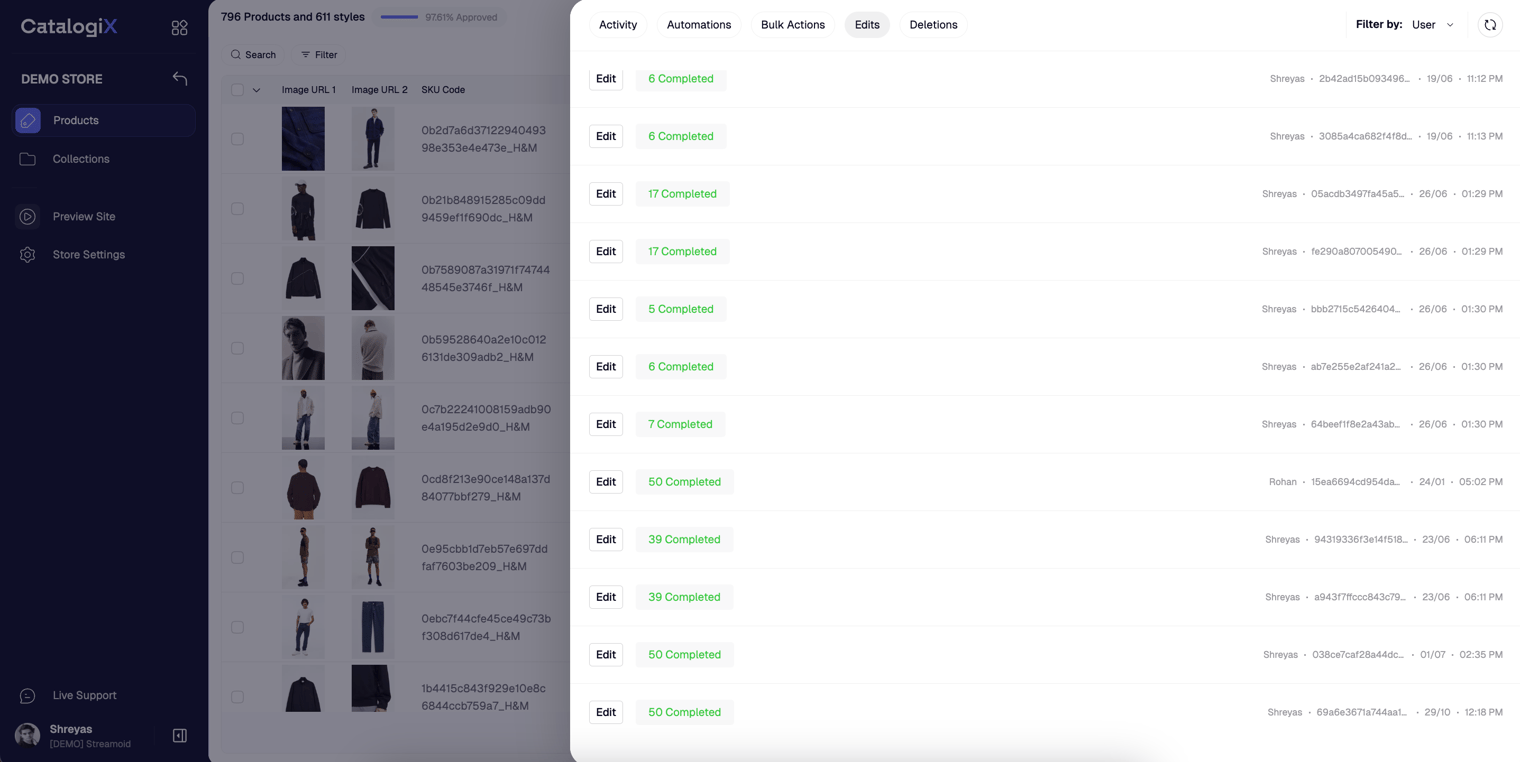
Select the Edits tab to review bulk edits. Each entry specifies the attribute that changed, the previous value, and the contributor.
Deletion History
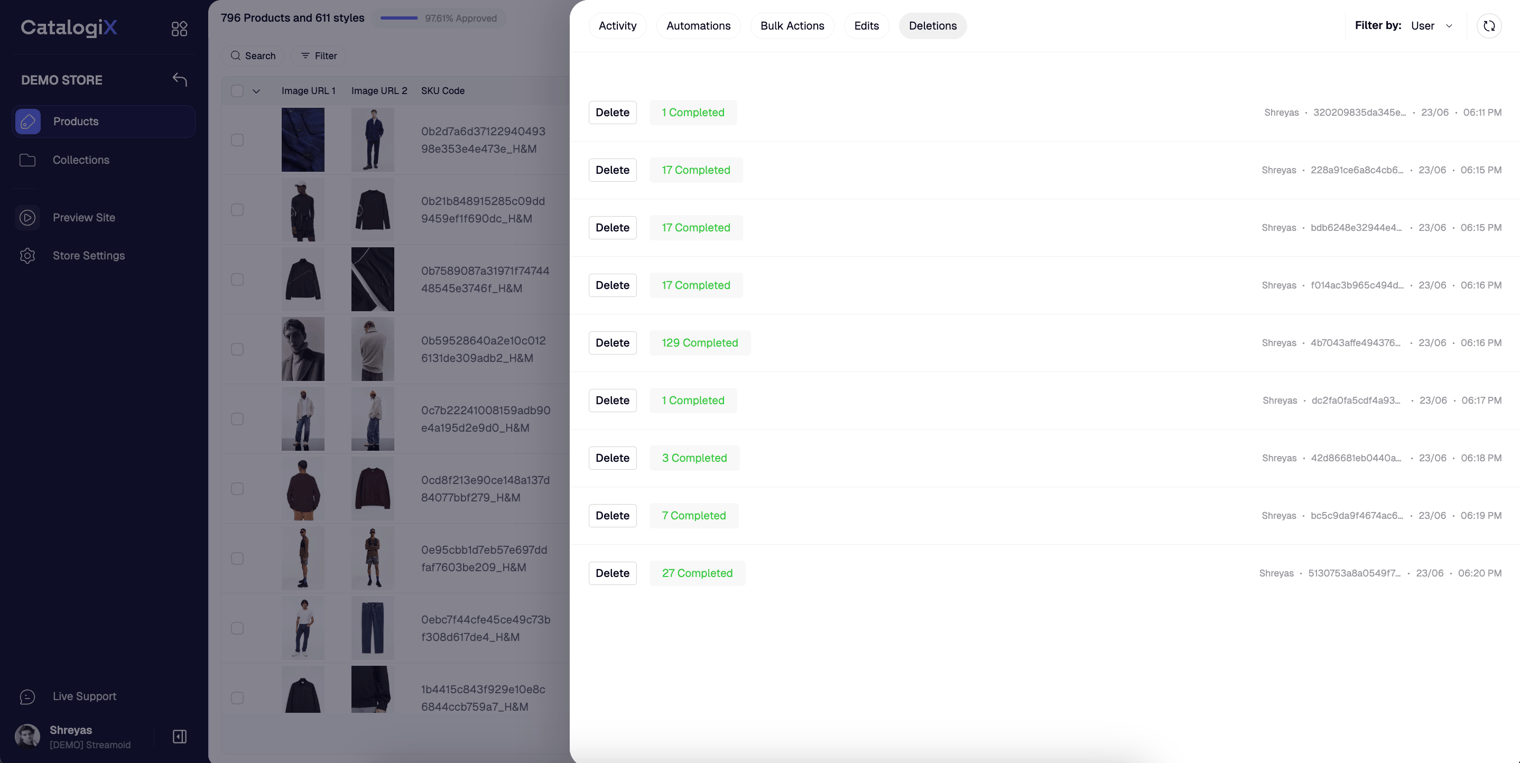
Use the Deletions tab to monitor removed products and ensure nothing critical was deleted accidentally.
Something missing or unclear? Write to support@streamoid.com.