Photogenix - Shoot it
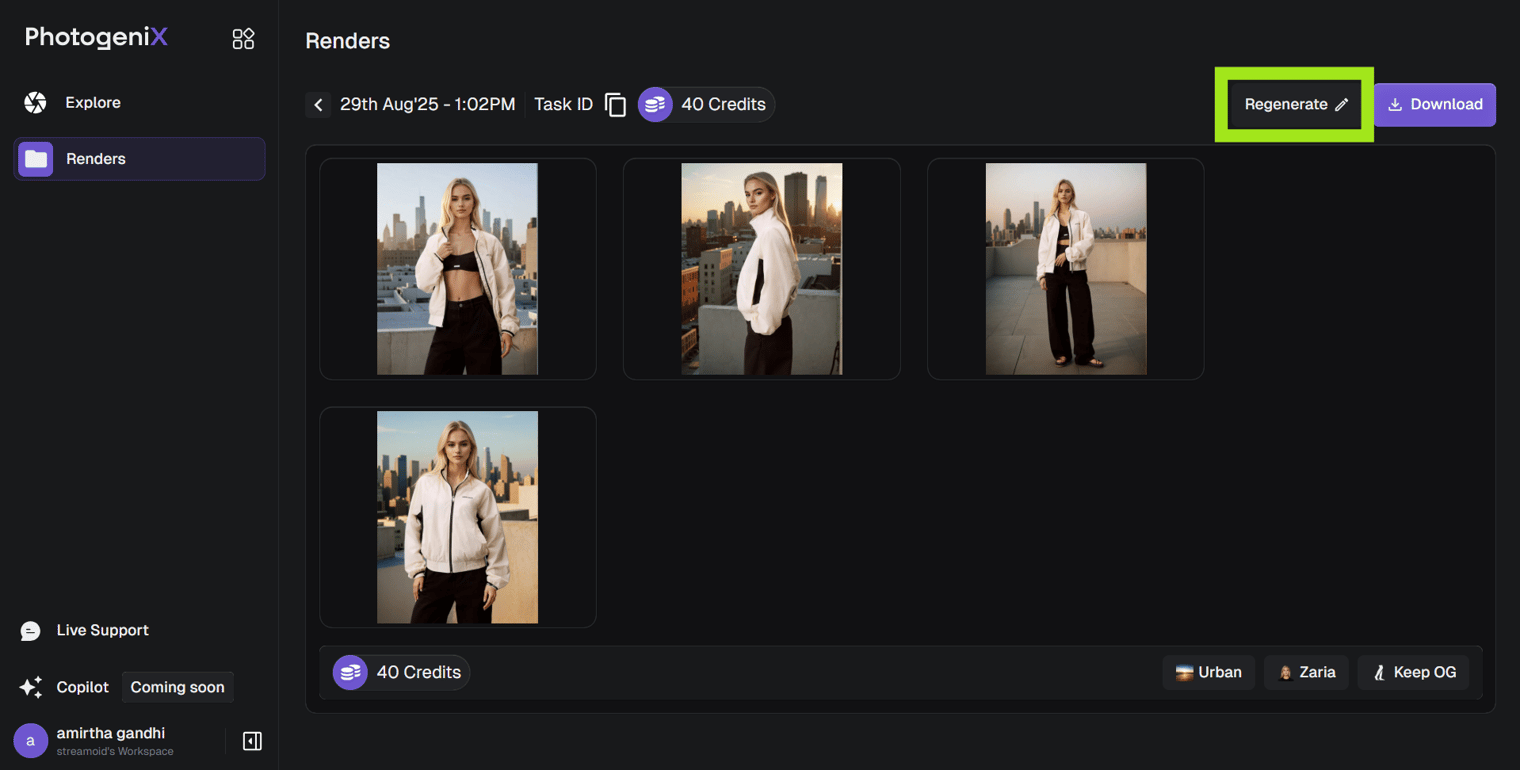
Regenerate in Photogenix
Swap models or backgrounds on any render without starting over.
Use Regenerate when you want a fresh variation of an existing render, for a new model, environment, or lighting direction.
- Click Regenerate on your image.
- Update your selections from the model or background library.
- Click Generate again to create a new version.
Each regeneration counts as a new image and will deduct credits from your plan.
Something missing or unclear? Write to support@streamoid.com.