Photogenix - Shoot it
AI Retouch Tool
Regenerate scenes, perform targeted retouching, and keep campaigns consistent.
Photogenix gives you two powerful controls, Regenerate and Retouch, so you can iterate on AI outputs without restarting the entire workflow.
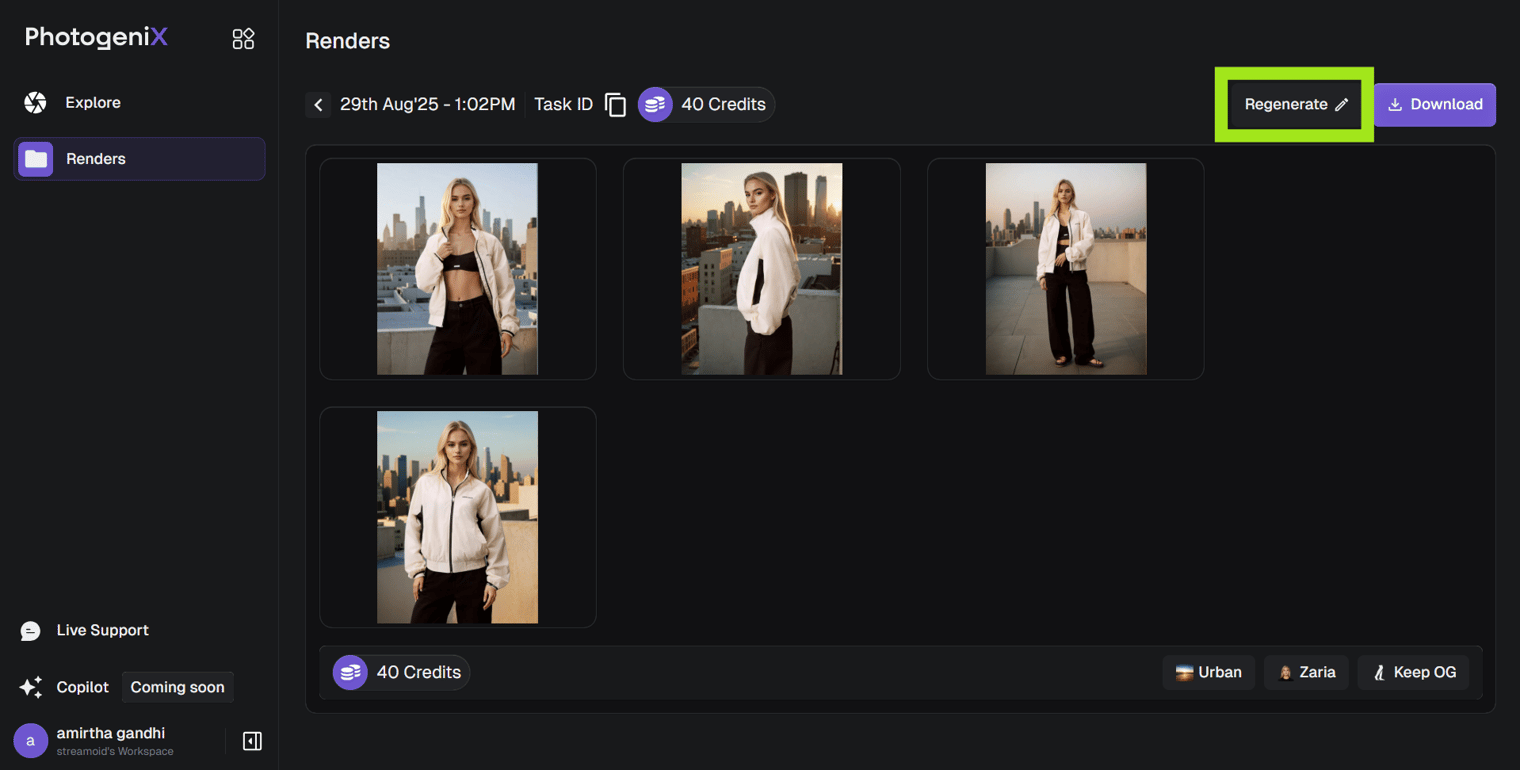
Regenerate
To change the model or background in generated images:
- Click Regenerate on your image.
- Update your selections from the model or background library.
- Click Generate again to create a new version.
Each regeneration counts as a new image and will deduct credits from your plan.
Retouch
Use Retouch to fix small imperfections or make creative tweaks.
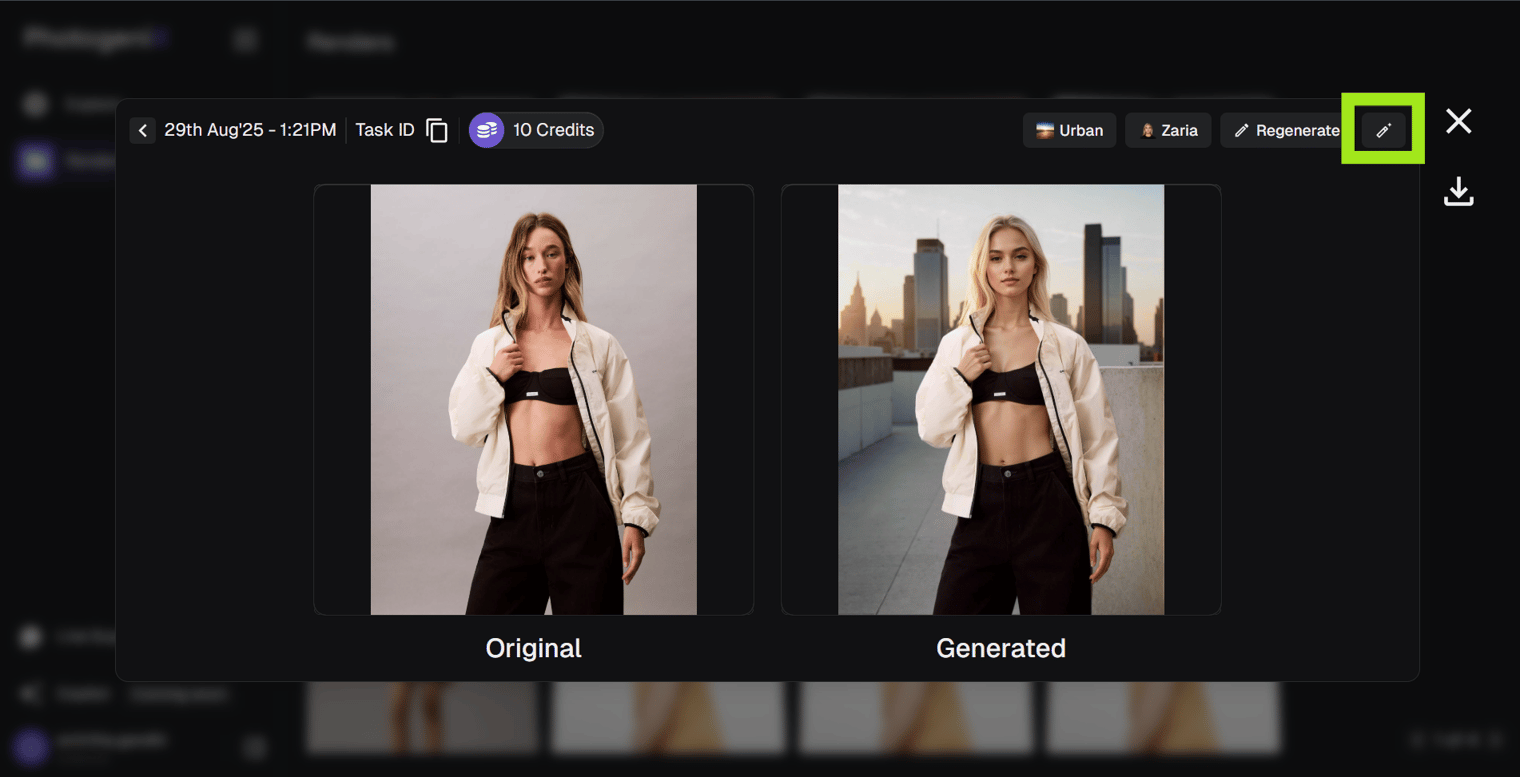
- Open the Generated Image
Select Retouch from the options menu for the render you want to update.
- Describe the Edit
Write what you’d like to change (e.g., “Add a black leather handbag” or “Fix lighting on the left arm”).
- Manual Mode
For precise edits, click Manual to mask the specific area and generate updates.
- Save New Generation
Once the retouch is complete, save your final output so you can compare versions later.
Something missing or unclear? Write to support@streamoid.com.