



















01.
02.
03.
Scale
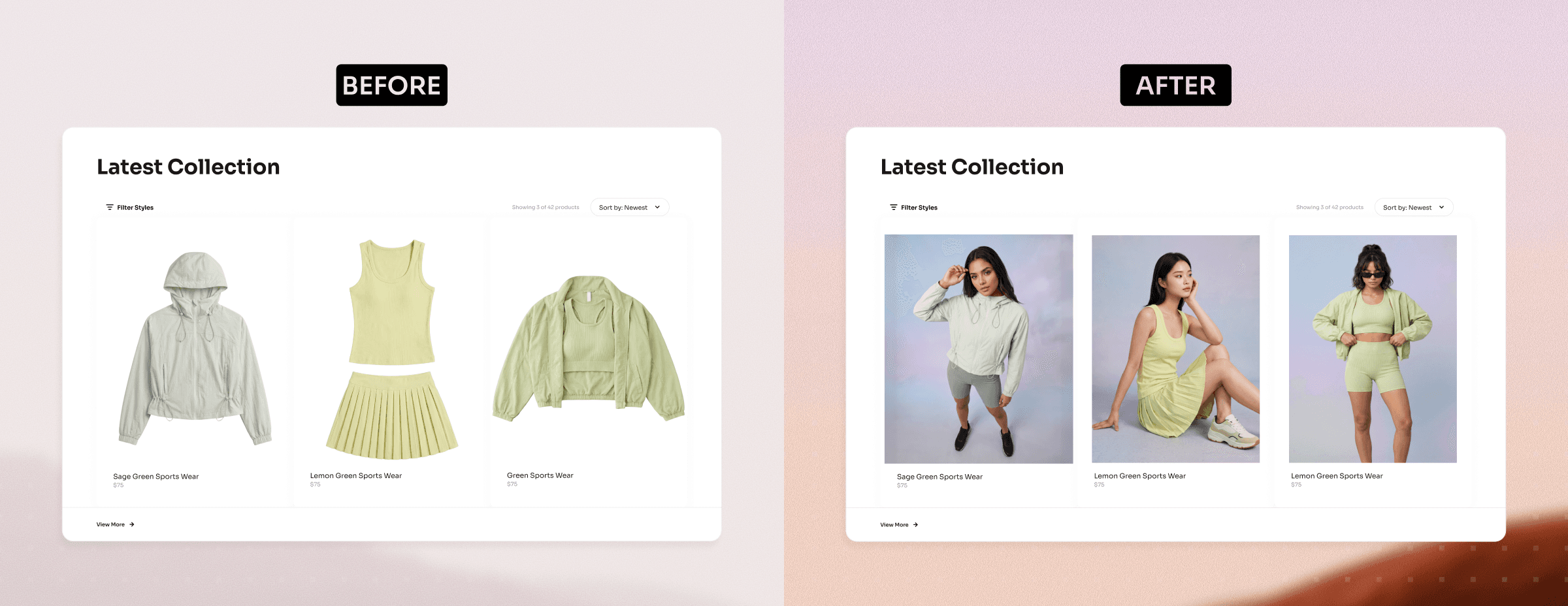
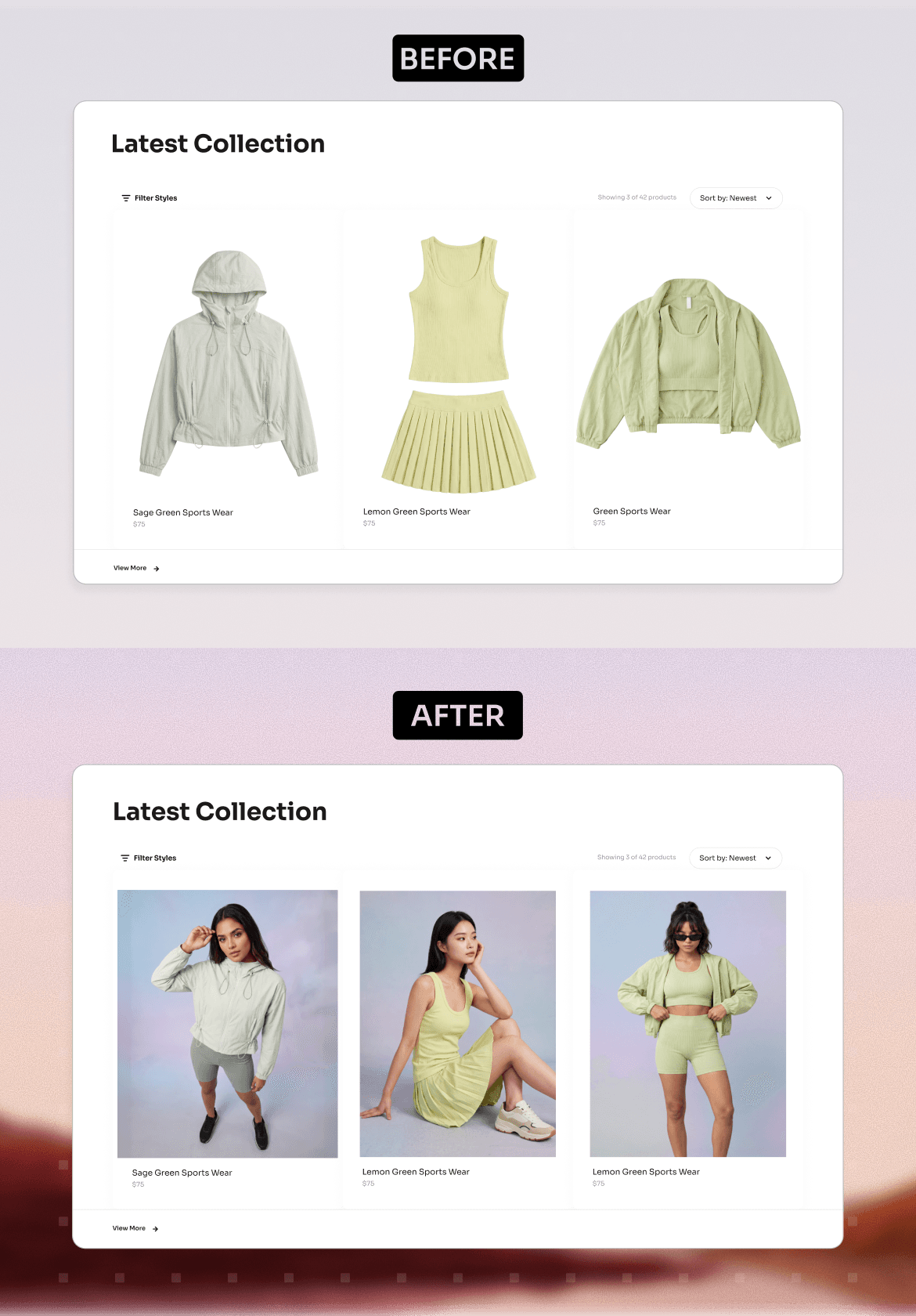
Generate assets for your entire catalog
Generate premium photos and videos for every SKU in a single run.
Performance
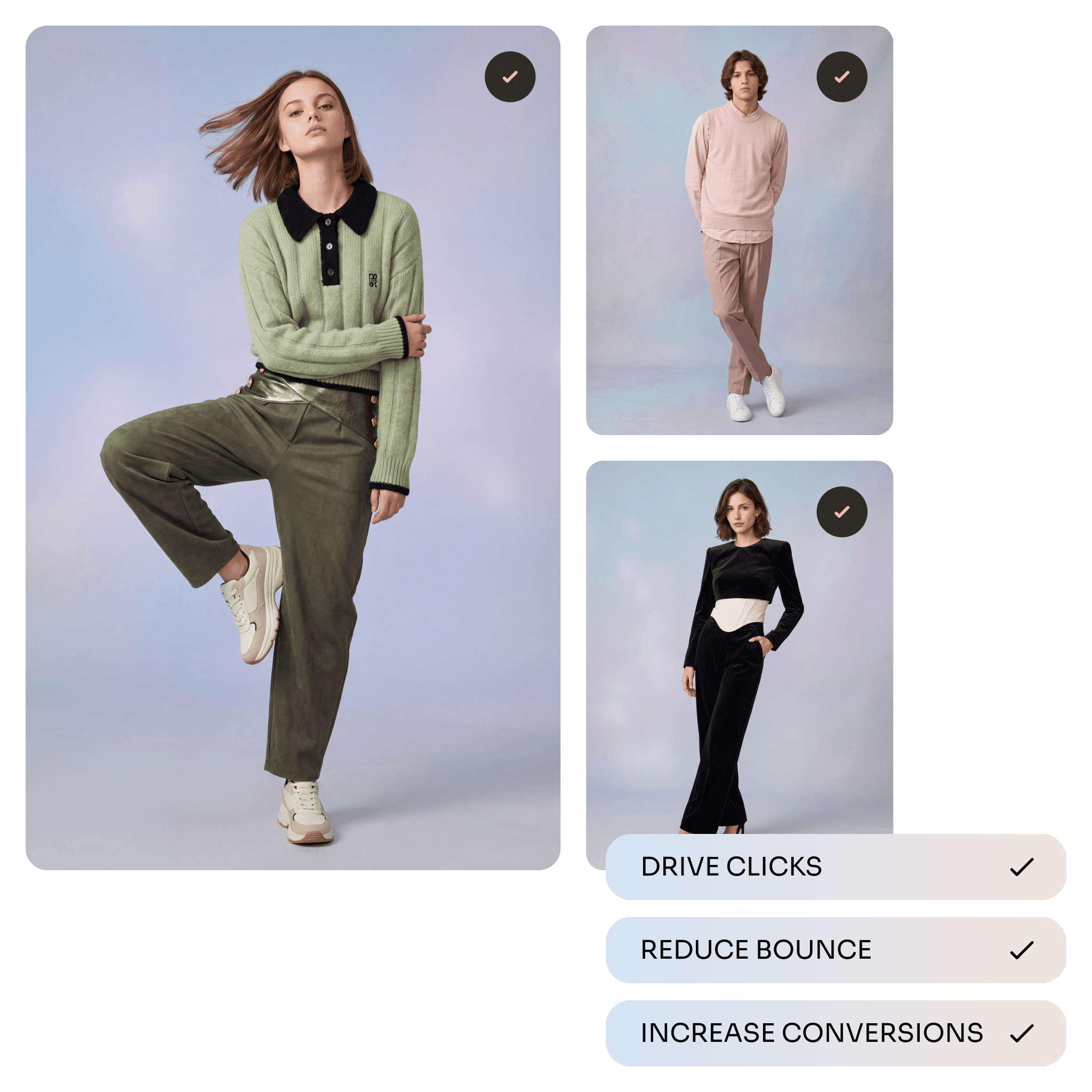
Create content that converts
Turn product images into engaging videos that give shoppers full context.
Automate
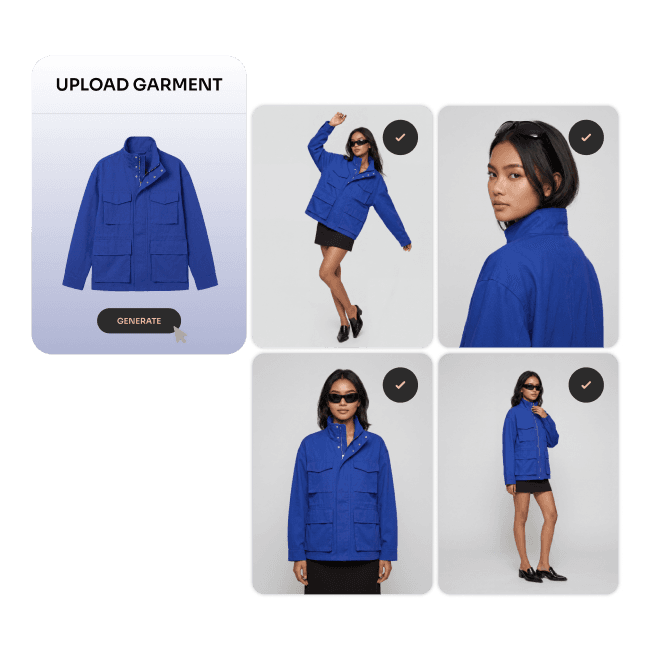
Approve and publish faster
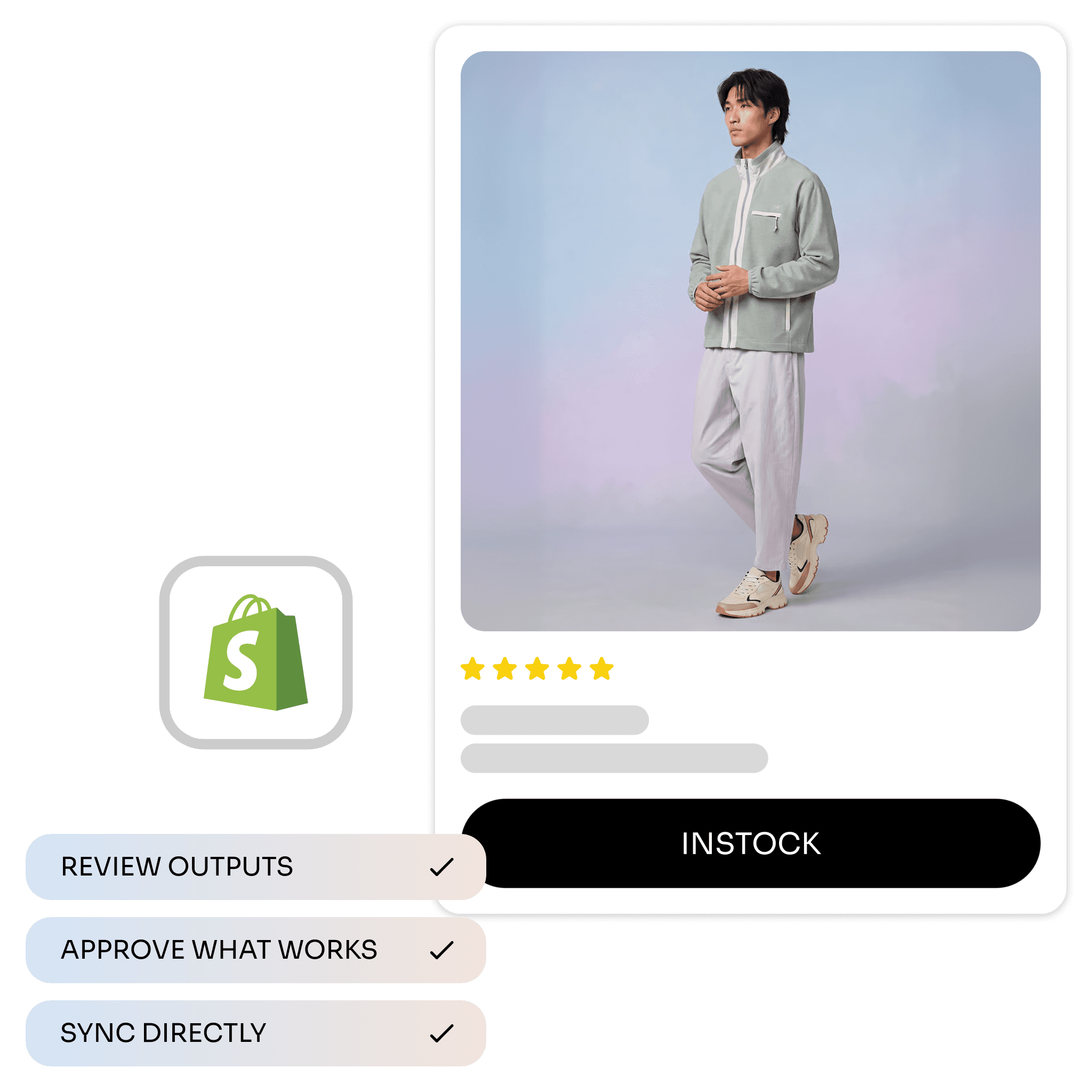
Every approved asset is automatically mapped to the right SKU and ready to publish to your Shopify store.
Free
$
0
Try the AI agents and automate your first workflows
Generate upto
60 Product images
20 Videos
Pro
$
25
/ month
Scale your team's output and get to market faster
Generate upto
160 Product images
50 Video
Do I need to upload product images separately?
No. The app can fetch product images directly from your Shopify catalogue. You can select products from the Assets section and use their existing product images as the source for generation.
What types of content can I create?
The current Shopify app supports Catalogue Photography and E-commerce Video Content. Catalogue Photography is designed for product and fashion imagery, while E-commerce Video Content turns product images into short product videos using selected motion presets.
Can I publish generated images back to Shopify?
Yes. Generated images can be attached directly to Shopify products from inside the app. The app also tracks whether generated assets are published or unpublished.
Can I publish generated videos to Shopify products?
Yes. The app includes support for appending generated video media to Shopify products.
Does Photogenix replace my original Shopify product images?
No. Generated media is saved as separate output records and can be published to the relevant Shopify product. Your original Shopify product images remain available as source assets.
Can I generate assets for multiple products?
Yes. The Shopify app supports generation batches for multi-product workflows. This helps merchants create a catalog or campaign assets across several products instead of handling each one manually.
Can I customize the look of generated content?
Yes, you can customize the output by selecting different styles, Stories, and Motions. However, customization is currently limited, as the system automatically configures and generates the shots for a faster workflow.
Does the app work inside Shopify Admin?
Yes. The app is built as a Shopify embedded app and runs inside Shopify Admin using Shopify App Bridge.
How does billing work?
Billing is handled through Shopify. Merchants can select a plan or add-on credit pack, approve the charge through Shopify, and then credits are granted to the connected workspace.
Is there a free plan?
Yes. The current implementation includes a Free plan with 300 one-time credits on install.
What is included in the Pro plan?
The current implemented Pro plan is configured as 500 credits per 30 days for $25. Pro removes watermarks, supports Shopify sync workflows, and refreshes credits monthly.
Can I buy more credits?
Yes. Add-on credit packs are available as one-time Shopify purchases. Current add-on packs are 1,000, 3,000, 5,000, and 10,000 credits.
Does Photogenix use my Shopify product data?
Yes, Photogenix uses the product information required for generation and syncing, such as product images, title, handle, status, product type, vendor, and description. This helps generate accurate outputs and ensures the generated assets are linked back to the correct Shopify products.
Is the app compliant with Shopify privacy requirements?
The implementation includes webhook handling for Shopify privacy topics such as customer data requests, customer redaction, and shop redaction.
What happens if a generation fails?
The app tracks the status of each generation, such as Processing, Completed, or Failed. If a generation fails, you can review the failed item and try again. Any credits used for failed generations are automatically refunded.