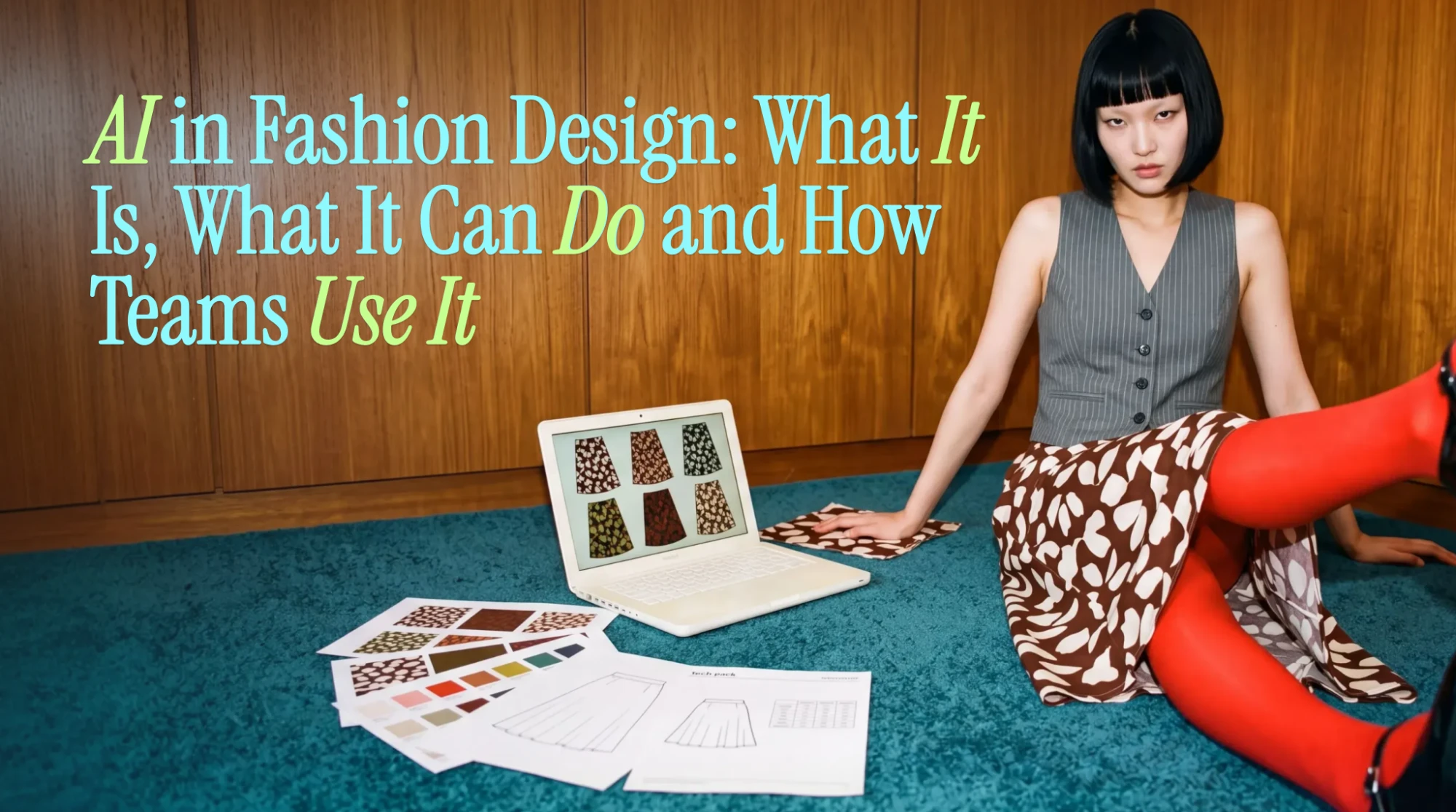
AI in Fashion Design: What It Is, What It Can Do and How Teams Use It
The Short Answer
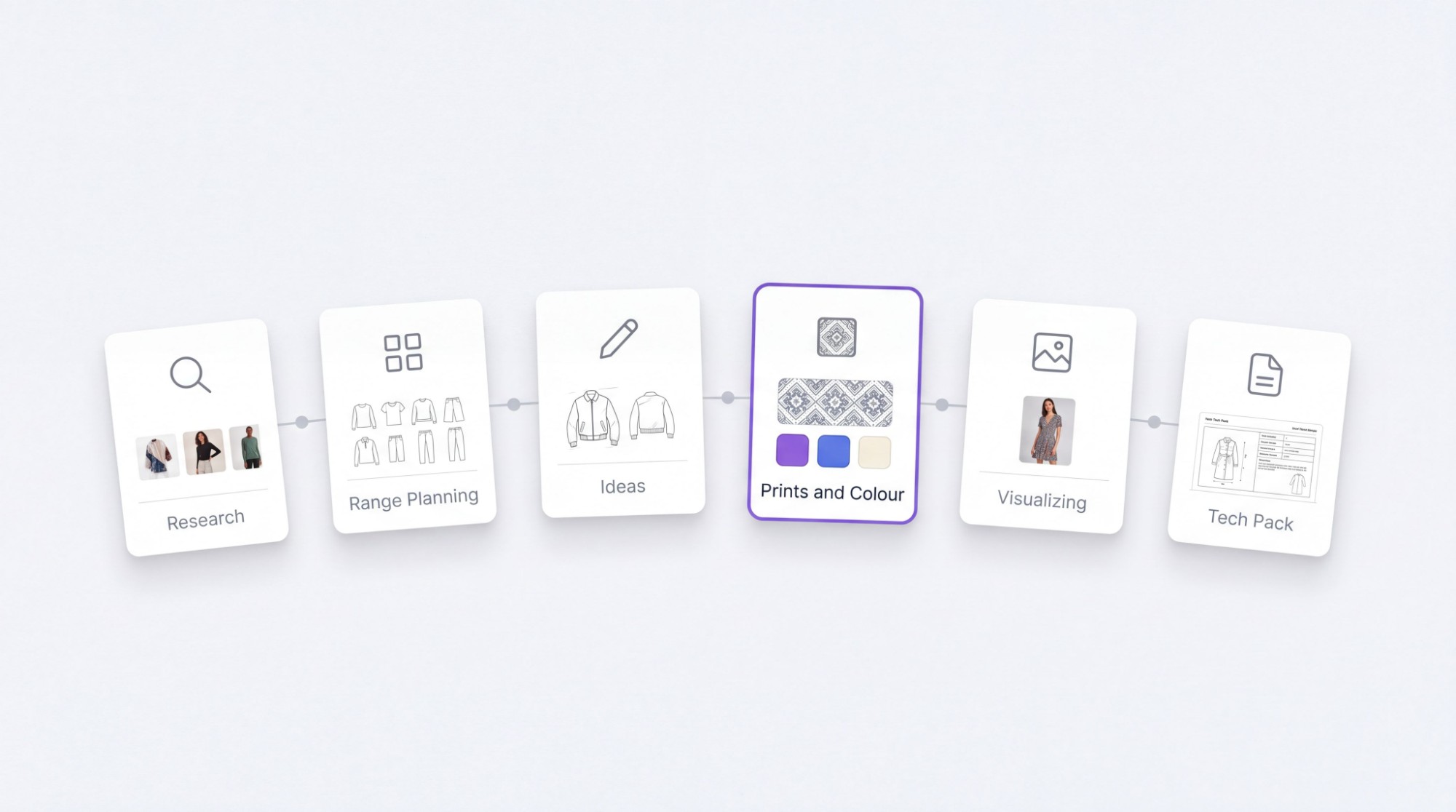
AI in fashion design means using software that can research the market, generate design ideas, create prints and colorways, show how a style will look, and draft the tech pack a factory needs. It speeds up the slow, repetitive parts of design so teams can try more ideas before committing to samples. Designers still set the direction and make the final decisions.
What "AI in Fashion Design" Means
The phrase covers three kinds of tools that often get lumped together:
- Generative AI creates new things: sketches, design variations, prints, colorways and images of a garment on a model.
- Predictive AI reads data, such as past sales, competitor activity and search trends, to suggest what is likely to sell.
- Workflow AI handles the paperwork around design: organizing references, filling in tech packs and keeping details consistent.
The opportunity is large. McKinsey estimated in 2023 that generative AI could add $150 billion to $275 billion to operating profits in apparel, fashion and luxury within three to five years, with design among the areas already changing. Designers are using it to try many variations without producing expensive samples. And in the BoF-McKinsey State of Fashion 2026, executives named scaling AI and digital tools as the biggest opportunity for 2026.
The most useful setups combine all three: market data to guide ideas, generation to explore them, and workflow tools to get them into production.
What AI Can Do at Each Stage of Design
| Stage | What AI helps with | What it saves |
|---|---|---|
| Research | Tracks competitor launches, prices and sellouts; pulls trend signals from search and social | Hours of manual browsing and spreadsheet work |
| Range planning | Balances a range by category, price and past performance | Gaps and overlaps found late |
| Ideas and sketches | Generates design variations from a brief, sketch or reference | Blank-page time; more options to review |
| Prints and color | Creates seamless repeat prints and color-accurate colorways | Repetitive pattern and recoloring work |
| Visualizing | Shows a style as a flat, a ghost mannequin or on a model before sampling | Early samples made only to see the idea |
| Tech packs | Drafts measurements, materials and specs in the factory's format | Retyping details between files |
Each of these can be done with separate tools. The bigger gain comes when they connect, so a trend signal can turn into a design and then a tech pack without being rebuilt at every step.
Who Benefits, by Role
- Designers get more time for creative decisions and can test far more ideas before choosing.
- Merchandisers and buyers see market and sales signals while the range is still being planned, not after.
- Technical designers spend less time retyping specs and more time on fit and construction.
- Creative and brand leads keep collections consistent with the brand, even as more people contribute.
Who Benefits, by Brand Size
- Small and growing brands can work like a bigger team: research, design and tech packs without a large staff for each step.
- Large brands can bring scattered data and teams into one workflow, so decisions don't get lost between departments.
How a Design Team Uses It, Step by Step
Here is what this looks like in Artifax, Streamoid's AI design and tech pack platform for fashion brands.
- Set up the brand. Add brand DNA, bestsellers and the material library once. Every later suggestion follows them.
- Research the market. Scout tracks competitor launches, pricing, markdowns and sellouts and sends a daily digest. Trend signals and the team's own forecast sources sit alongside it. See competitor tracking.
- Plan the range. Build a balanced, priced range against past sales, so gaps show up before design starts. See range planning.
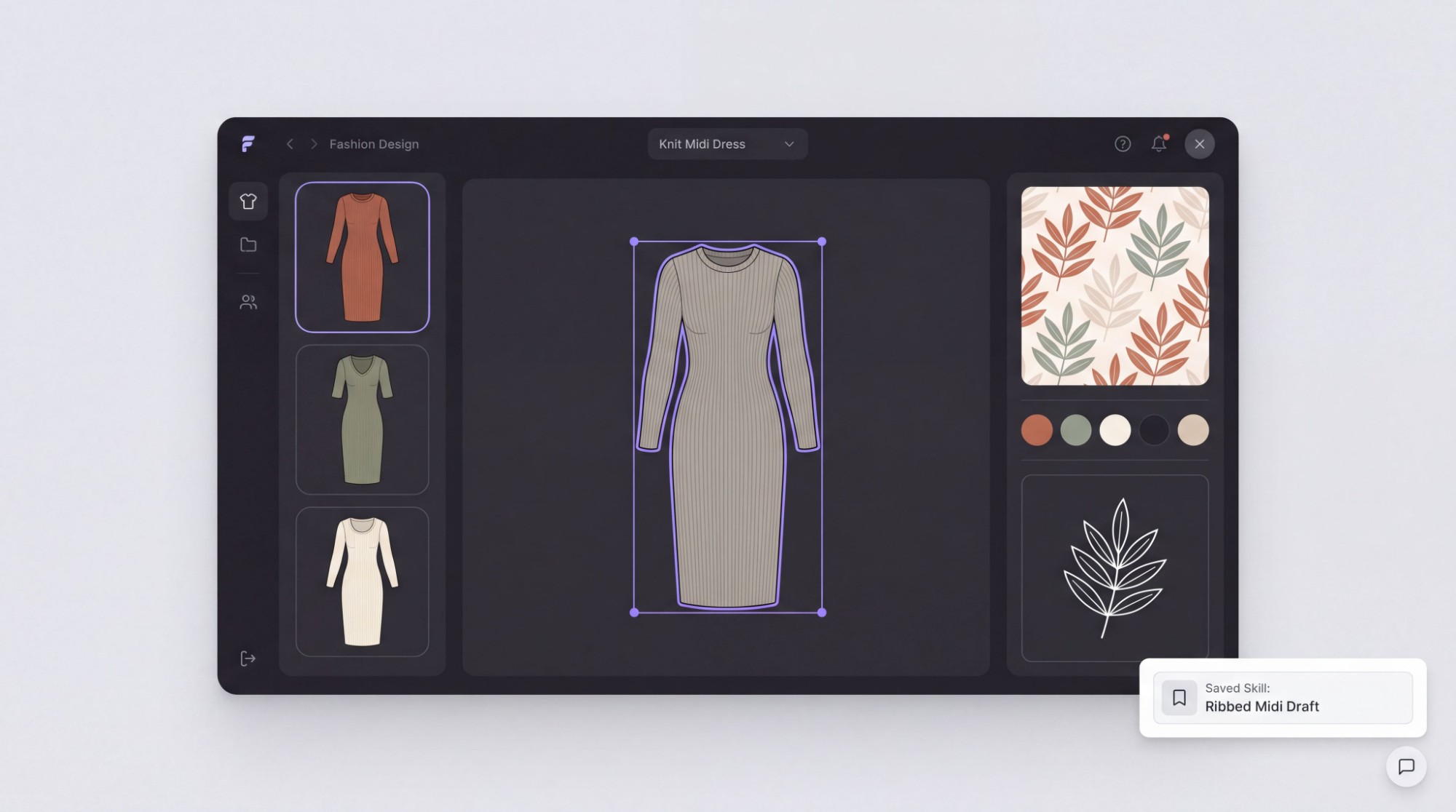
- Design and explore. Work on a canvas built for fashion. Generate variations, create seamless repeat prints, set Pantone-true colorways and pull graphics out as editable vectors. Dreamer, the built-in assistant, can save repeat tasks as reusable skills.
- See it before sampling. View each style as a ghost, a flat lay or on a model, and share moodboards and presentations with the team for comments.
- Produce the tech pack. Generate an editable tech pack with measurements, colorways and specs, in the format each factory uses, and export it as a PDF that opens in Adobe Illustrator.
The designer leads at every step. AI does the research, repetition and paperwork in between.
What to Watch Out For
- Off-brand results. General image tools don't know your brand, so outputs drift toward generic looks. Tools that learn your brand rules and bestsellers keep closer to your identity.
- Pretty but unmakeable designs. A striking image is not a garment. Check that ideas match your materials, costs and factory capabilities before getting attached.
- Data privacy. Some public AI tools may keep what you upload, so unreleased designs and sketches need care. Jing Daily has flagged the risk of leaks when uploading to image generators. Check a tool's data terms first.
- Copyright questions. The legal position on AI-generated images is still being tested in court, including lawsuits over training data. Treat outputs as a starting point that your team develops, not finished art.
- Wrong numbers in production. AI-drafted measurements and specs need a technical designer's review before any tech pack goes to a factory.
Getting Started: Free Tools or a Design Platform?
| General AI image tools | Fashion design platforms | |
|---|---|---|
| Good for | Quick mood images and early inspiration | Building real collections for production |
| Knows your brand | No | Learns brand rules, bestsellers and materials |
| Fashion-specific features | Few | Prints, colorways, flats, on-model views, tech packs |
| Market data | No | Often built in, such as competitor tracking |
| Output | Images | Designs, ranges and factory-ready tech packs |
| Cost | Often free or low cost | Paid, often with free trials |
A simple way to start:
- Pick one category for one season, such as dresses or knitwear.
- Gather your inputs: last season's sales, your brand rules and your material list.
- Run the full loop once, from research to tech pack, and compare the time and number of sample rounds with your usual process.
Artifax is free to try with monthly credits, so a team can test that loop before deciding. See pricing.
In Three Lines
- AI in fashion design covers research, idea generation, prints, visualization and tech packs.
- It works best when those steps connect and follow your brand's own data.
- Designers lead; AI handles the research, repetition and paperwork.
Sources
- Generative AI: Unlocking the future of fashion, McKinsey & Company
- The Generative AI Playbook for Fashion, The Business of Fashion
- Fashion industry braces for challenging 2026, The Tribune (ANI)
- AI as a fashion design assistant, Jing Daily
- Briefing: March 10, 2023, The Fashion Law
- Artifax product page and FAQ, Streamoid