Shopify Product Image Size: The Right Dimensions for 2026
The best Shopify product image size is 2048 x 2048 pixels, in a square 1:1 ratio. That is the size Shopify says usually displays best, and it is large enough for zoom on any screen. This guide covers Shopify's limits, the right ratio for clothing, file formats, and how to keep large images fast.
Shopify Image Size: The Quick Answer
| Setting | What to use | Shopify's limit |
|---|---|---|
| Dimensions | 2048 x 2048 px for square images | Up to 5000 x 5000 px, or 25 megapixels |
| Aspect ratio | One ratio for every product in the store | Any ratio |
| File size | As small as you can make it without visible loss | Under 20 MB |
| File format | JPEG or PNG for photos | PNG, JPEG, WebP, GIF, HEIC, TIFF, BMP and SVG |
| Color profile | sRGB | Not specified |
The dimensions, limits and formats come from Shopify's own product media types page. Upload one high-quality master per image. Shopify creates the smaller sizes your theme shows on collection pages and phones.
Square or Portrait: Choosing a Ratio for Clothing
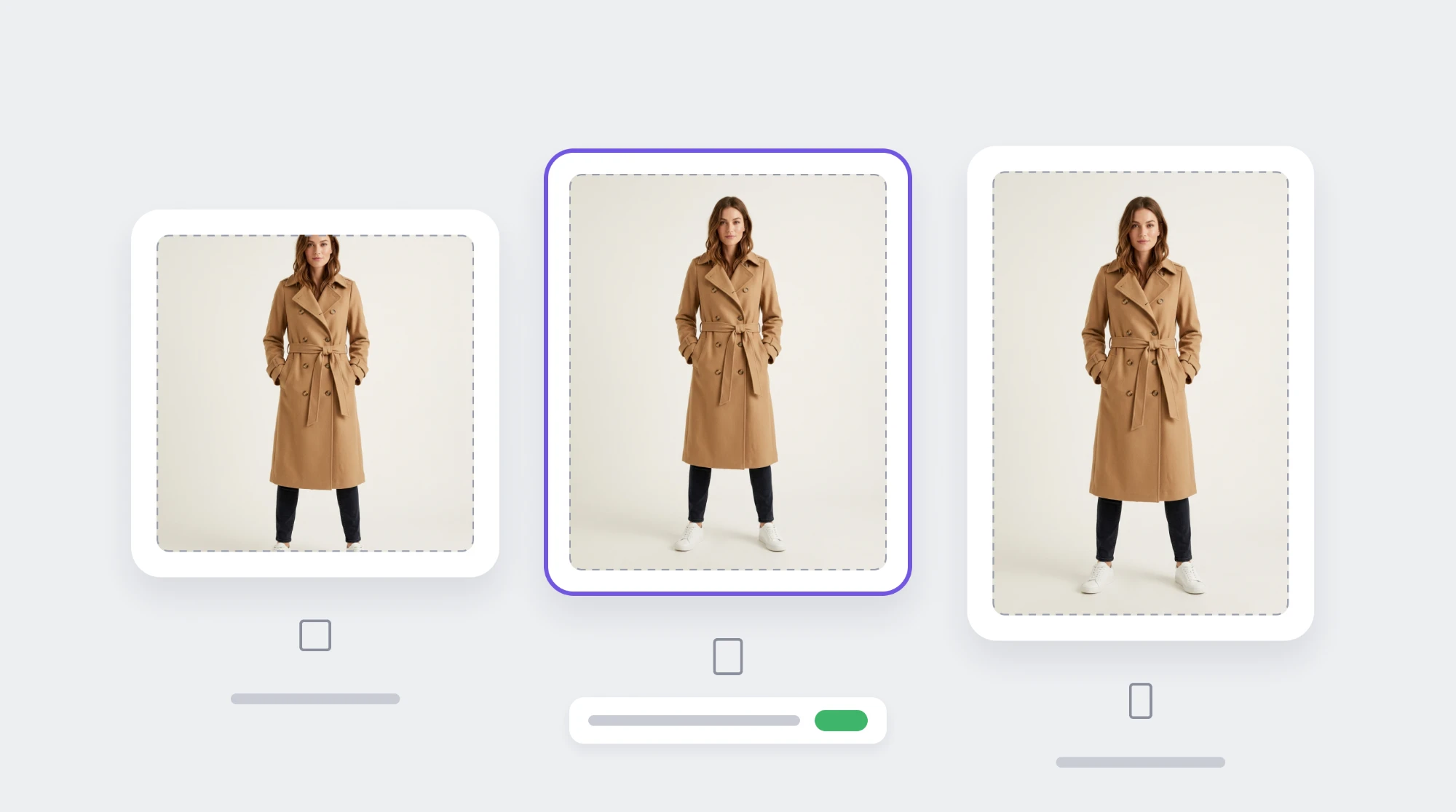
Shopify recommends one consistent ratio for all your main images, because collection pages show products side by side. Mixed ratios make the grid jump up and down.
Square is the safe default, and most themes are built around it. Many fashion stores choose portrait instead, because a standing model or a full-length dress fills a tall frame better and shows more of the garment on a phone.
| Ratio | Example size | Good for |
|---|---|---|
| 1:1 square | 2048 x 2048 px | Most stores, accessories, folded or flat lay products |
| 4:5 portrait | 1600 x 2000 px | On-model clothing, a good balance on mobile |
| 2:3 portrait | 1600 x 2400 px | Full-length looks, dresses and outerwear |
Whichever you choose, check your theme's product image setting. Many themes have one, with options such as square, portrait or adapt to image. Then shoot every product to that ratio, so you do not crop heads and hems later.
How Big Is Big Enough for Zoom
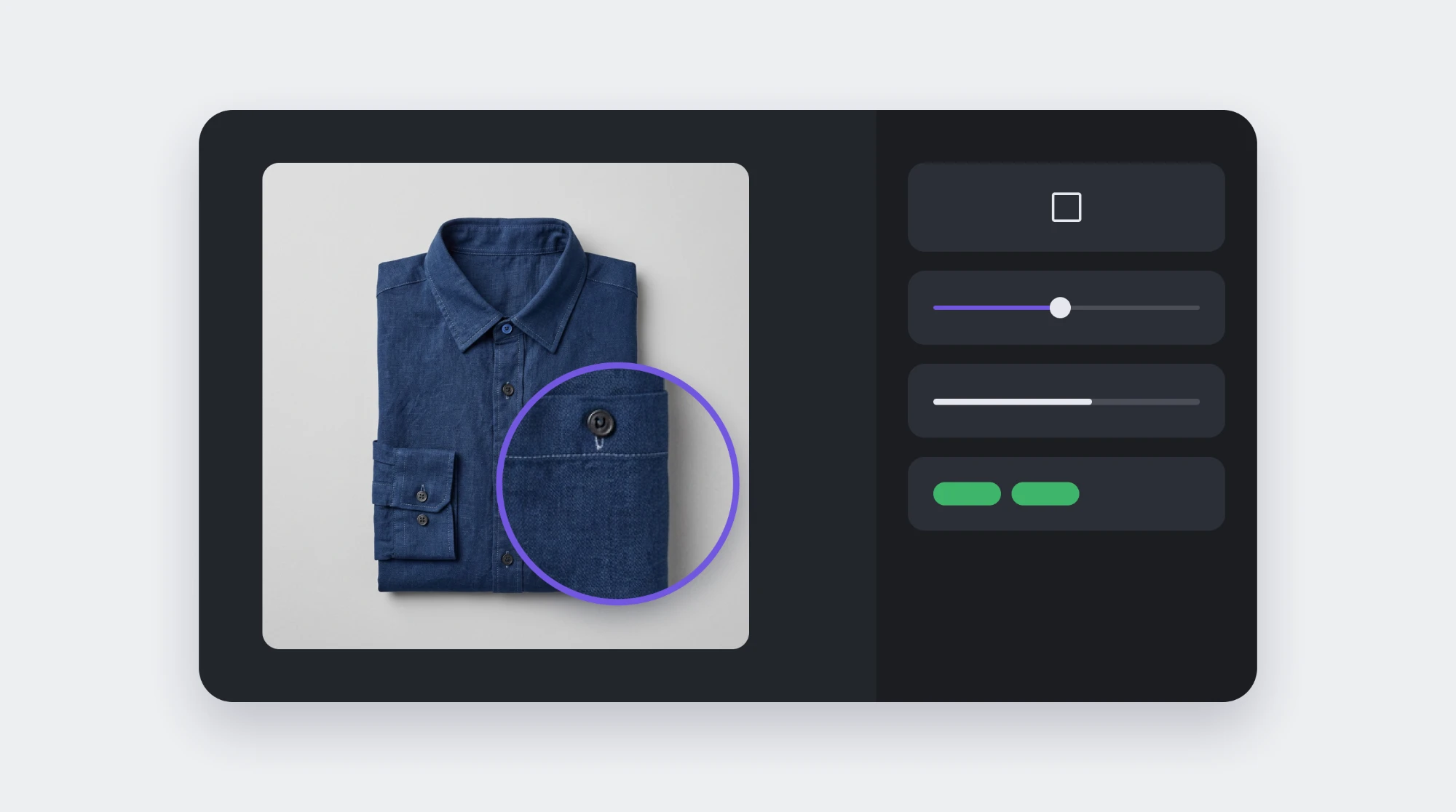
Zoom shows the image larger than the page does, so the file needs more pixels than the space it sits in. At 2048 px on the long side you have room to zoom into fabric texture, stitching and prints on most screens.
Do not upscale small images to reach that size. Enlarging a 900 px photo adds pixels but no detail, and the result looks soft when zoomed. Shoot or export at full resolution instead.
If you also sell on marketplaces, one master at 2000 px or more covers them too. Amazon and Walmart both ask for at least 1000 px on the longest side, as our Amazon and Walmart image guides explain.
Keep Large Images Fast
A 2048 px image does not have to be a heavy one. Before you upload:
- Compress every image. Most product photos can lose a large share of their file size with no visible difference.
- Export in sRGB, so colors look the same on every screen.
- Crop away empty space instead of shrinking the product inside the frame.
- Name files for what they show, such as womens-linen-shirt-white-front.jpg, not IMG_4021.jpg.
- Write alt text for every image. It helps shoppers using screen readers, and helps search engines understand the image.
Other Shopify Image Sizes
Product images are the only ones with a single Shopify recommendation. Everything else depends on your theme, so treat these as starting points and check your theme's documentation.
| Image | Starting point | Why |
|---|---|---|
| Collection images | The same ratio as your product images | Keeps collection grids and menus consistent |
| Slideshow and banner images | At least 1920 px wide, wider for full-width banners on large screens | Banners stretch to the screen width, and themes crop the top and bottom on phones |
| Logo | A transparent PNG or SVG, at about twice the width it shows on screen | Stays sharp on high-resolution screens |
| Favicon | A square image, 32 x 32 px or larger | Shopify scales it down to fit the browser tab |
| Blog featured images | A wide ratio such as 16:9, at least 1200 px wide | Used on blog cards and when posts are shared on social media |
Banners are the ones that go wrong most often. Keep text and faces away from the edges, because the theme crops differently on phones and desktops. Preview every banner on both before you publish.
Fashion Tips That Matter More Than Size
The right size is the starting point. What sells clothing is a consistent set of images on every product page:
- The same framing, background and lighting for every product in a category.
- One front image per colorway, so a shopper who picks a color sees that color.
- Front, back, detail and on-body views on every product page.
- At least one image that shows fit, with the model's height and size in the description.
Our guide to clothing product photography covers the shot list and lighting, and how to create PDP images that convert covers what each image should do.
Checklist Before You Upload
- 2048 x 2048 px for square, or the same long side at your chosen portrait ratio.
- One ratio for every main image in the store.
- Under 20 MB, and compressed well below that.
- JPEG or PNG, in sRGB.
- Not upscaled from a smaller original.
- A descriptive file name and alt text.
- The same framing and background as the rest of the category.
Get Every Image in the Right Size Automatically
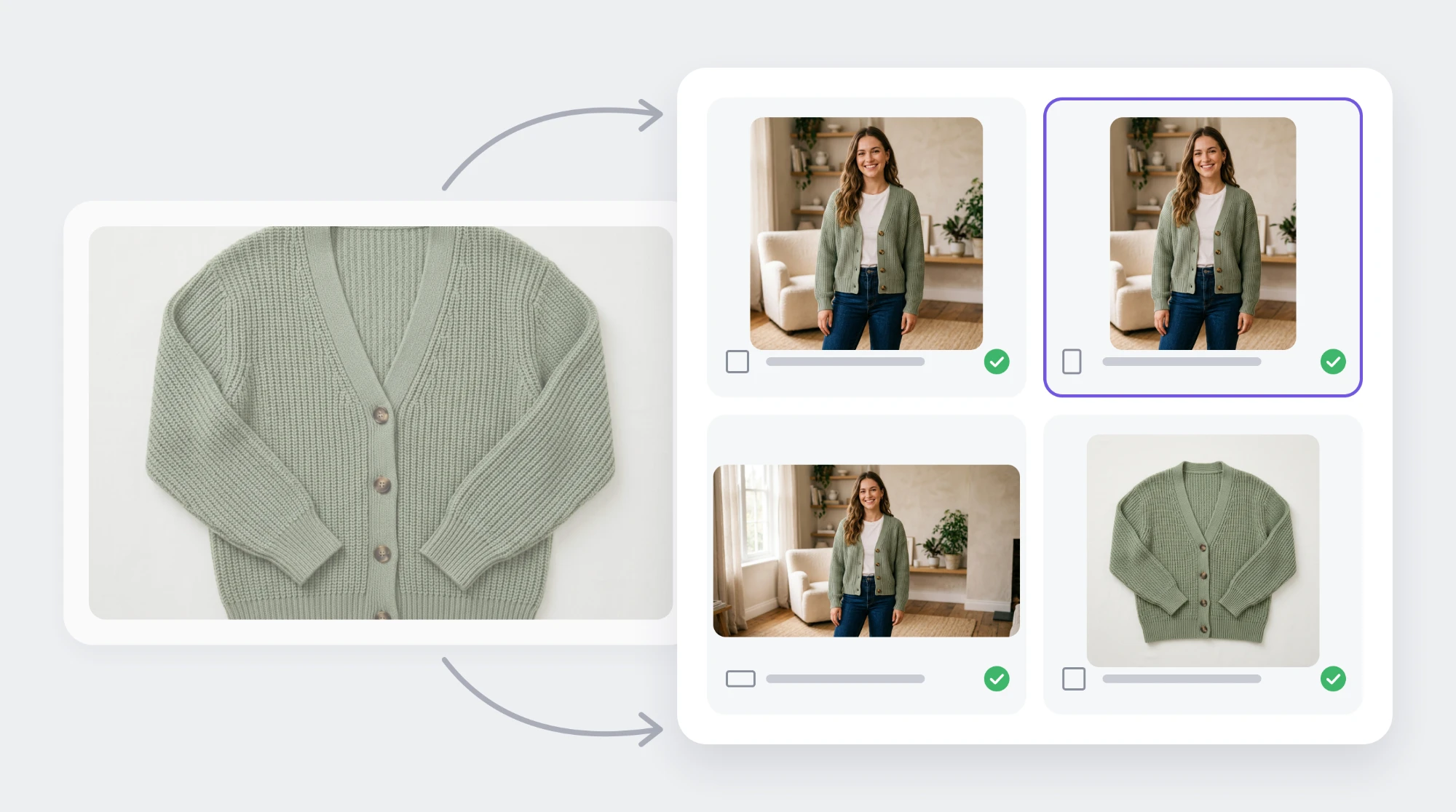
Resizing and re-cropping by hand gets slow once you have many products and colorways. Photogenix creates on-model and background variations from the product photos you already have, and exports each image in the dimensions you need.
The Photogenix app for Shopify runs inside Shopify Admin, so images go straight to your products. You can also try Photogenix free on a few photos first.