AI Tech Packs: How They Work and What to Check
AI tech packs are tech packs that software drafts from your design, with measurements, a bill of materials and construction callouts already filled in. Your team checks and edits the draft instead of starting from a blank page. Here is how that works, what the AI does and does not decide, and how it compares with the alternatives.
How an AI Tech Pack Generator Works
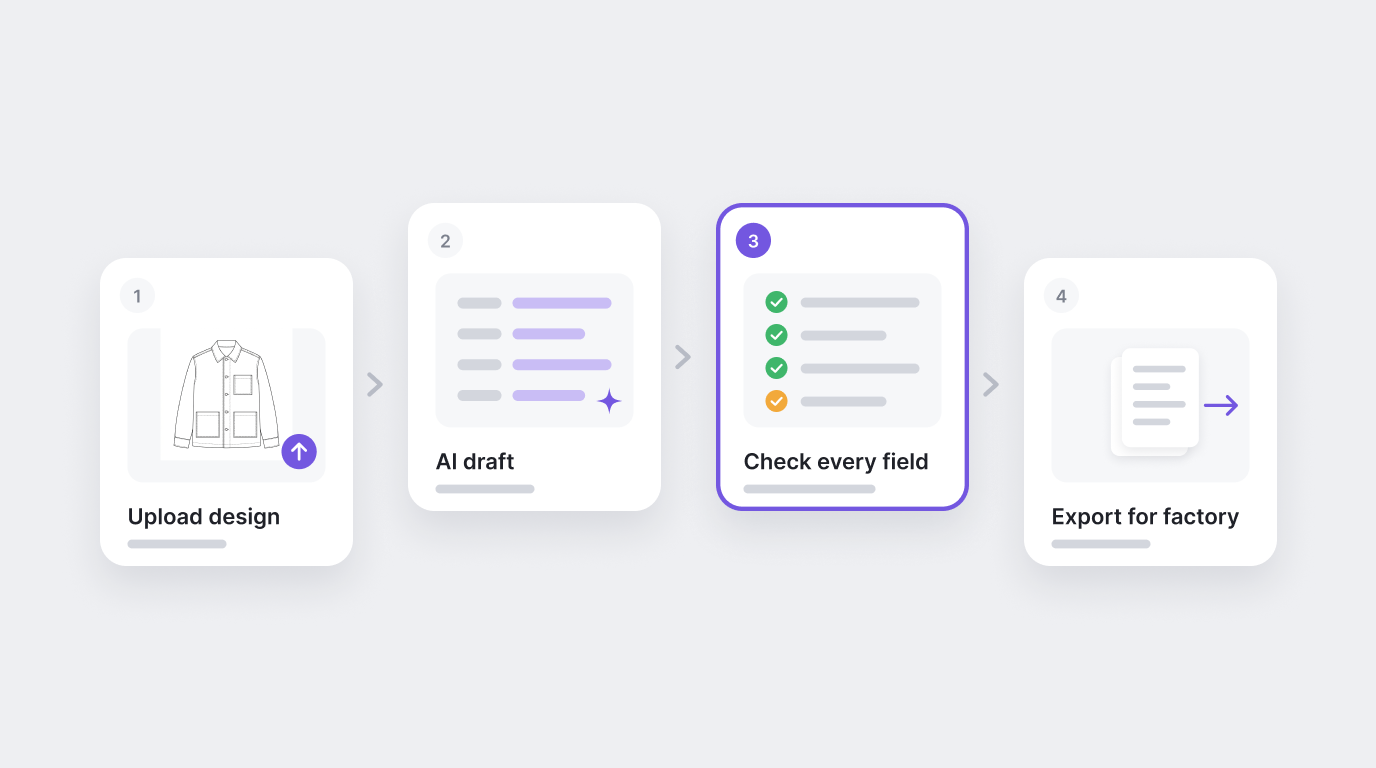
The steps are much the same whichever tool you use. This is how it works in Artifax:
Upload the design. A hand sketch, a CAD flat drawn in Illustrator, or an iPad drawing.
Read the draft. The AI fills in measurements, construction callouts and a bill of materials.
Check every field. A technical designer reads the draft and edits anything that should change.
Export for the factory. Send the pack in the template that factory already works from.
In Artifax, a draft takes a few minutes. The check stays with your team. Sketch to tech pack walks through each step.
What the AI Fills In, and What Your Team Still Decides
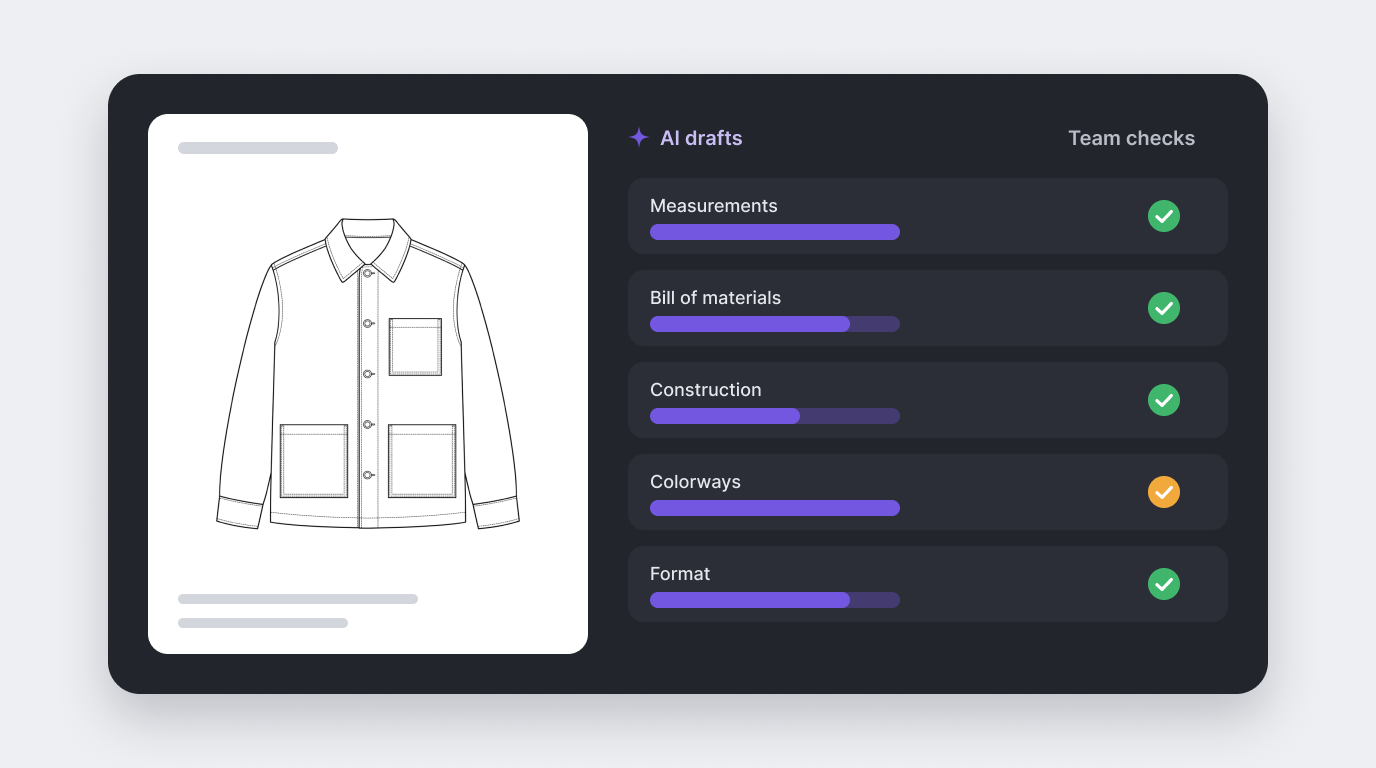
An AI draft saves typing. It does not replace the decisions that make a garment yours.
| Section | What the AI drafts | What your team checks |
|---|---|---|
| Measurements | Points of measure from the design, closer to your house fit when it has your own blocks and past styles | Base size, tolerances and fit intent |
| Bill of materials | Fabric, trim and component details | Approved suppliers, costs and anything new this season |
| Construction | Callouts for seams, hems and details | Methods that matter to how the garment feels and lasts |
| Colorways | A spec for each colorway | Color references and lab dip approvals |
| Format | Export in each vendor's own template | That the pack sent is the version you approved |
Every field stays editable, so a correction is an edit, not a rebuild. See editable tech packs for what happens when a spec changes after the first draft.
AI Tech Packs vs Templates vs Tech Pack Software
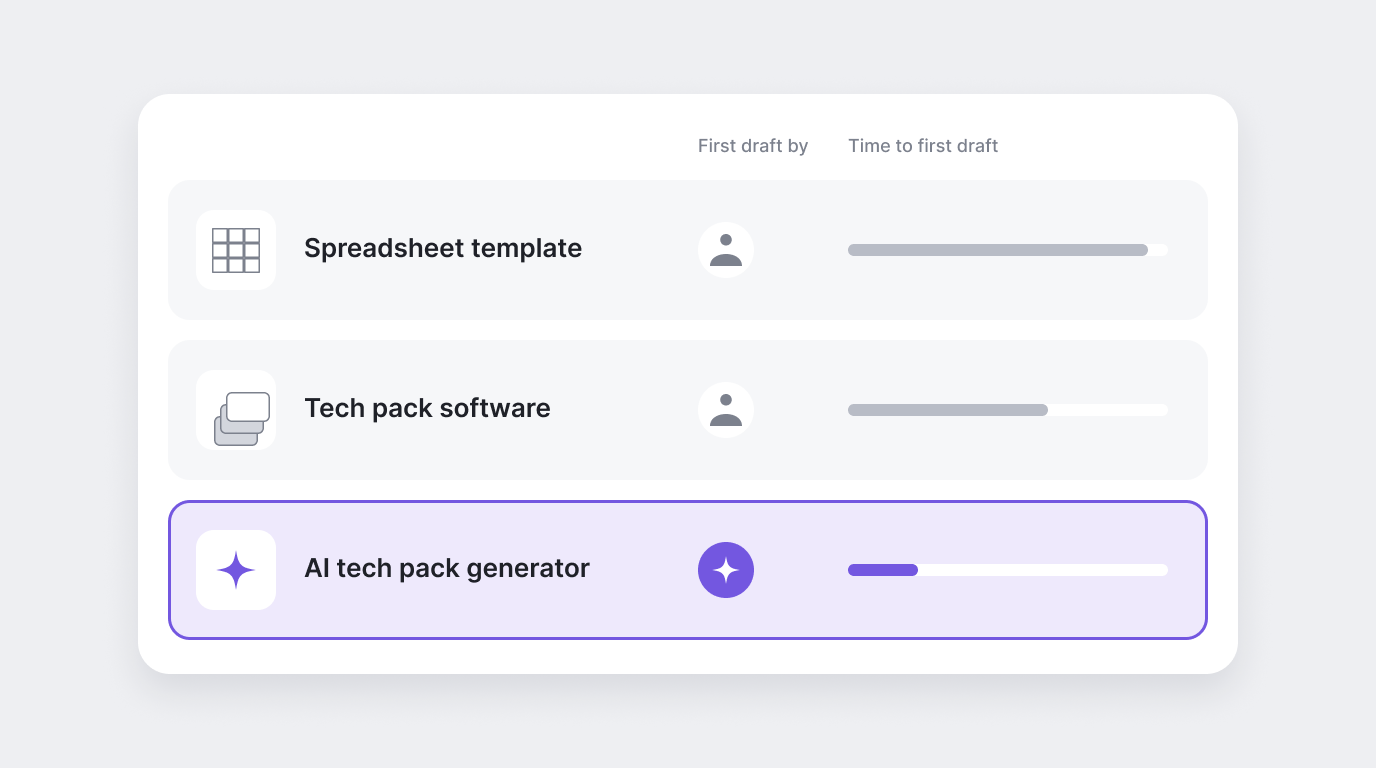
If you are comparing an AI tool with a template or with tech pack software such as Techpacker, the main difference is who writes the first draft.
| Approach | Who writes the first draft | Best for |
|---|---|---|
| Spreadsheet template | You, field by field | A first collection or a few styles a season |
| Tech pack software | You, from saved templates and libraries | Teams that want one shared place to build packs and work with factories |
| AI tech pack generator | The software, from your design | Teams with many styles, or not enough technical design time |
Already building packs in Illustrator and Excel? Tech packs in Illustrator and Excel vs AI compares the two side by side.
Starting small? Our free tech pack template is a spreadsheet with a filled-in example. Feature sets change often, so check any tool's current features against your own list before you choose.
What to Look for in an AI Tech Pack Generator
Run any tool through these questions before you commit a season to it:
- What can it start from: a hand sketch, a CAD flat, an image?
- Can you edit every field after the draft, without rebuilding the pack?
- Does it export in each factory's own template, or only in its own layout?
- Can it learn from your own blocks and past styles, so drafts match your fit?
- Does it check for missing measurements, incomplete BOMs and inconsistent specs before export?
- Does it handle units and tolerances for the regions where you manufacture?
- Does it connect to the PLM or design tools you already use?
Where AI Tech Packs Go Wrong
Most problems with AI tech packs are process problems, not AI problems:
- A rough or ambiguous sketch: the draft can only be as clear as what it starts from.
- Nobody checks the draft: an unchecked number goes to the factory with your name on it.
- No agreed tolerances: a measurement with no tolerance cannot pass or fail.
- Treating the first draft as final: fit comments still need to go back into the pack.
- Copies in circulation: if two factories get different exports, they make two different garments.
Wondering what you need to get started? See how much data an AI tech pack tool needs.
Try It on One Style
The quickest way to judge an AI tech pack is to run one style you already know well and compare the draft with the pack you made by hand. Artifax's AI tech pack generator builds a tech pack from each design your team makes in it, with measurements, BOM and colorways filled in, and exports it in the template your vendor already uses.
Try Artifax free on one style, or read what a tech pack is if you are building your first one.