Free Tech Pack Template, With a Filled-In Example
This free tech pack template puts every page a factory needs into one Excel workbook, with a filled-in example so you can see how much detail to give. Download it, save one copy per style, and fill the tabs from left to right.
Download the tech pack template (Excel, 16 KB). No sign-up. It opens in Excel and Numbers, and in Google Sheets through File, then Import.
New to tech packs? Read what a tech pack is first. It explains why each section matters. This page is about filling the template in.
What's in the Template
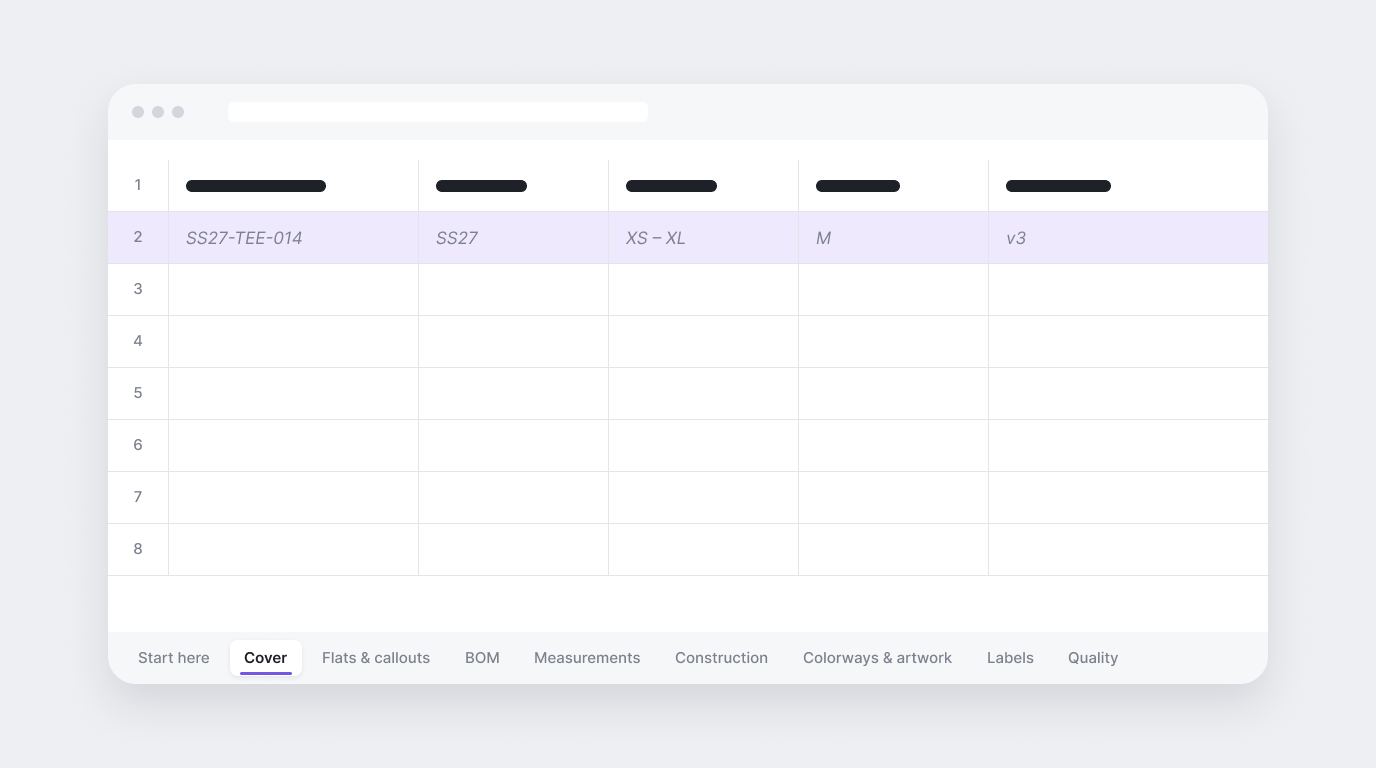
The workbook has a Start here tab and eight section tabs. Each one comes with an example row for a women's relaxed crew-neck tee, in grey italic text, and empty rows for your own style.
| Tab | What goes in it | Example from the template |
|---|---|---|
| Cover | Style name and code, season, size range, base size, colorways, version and date | SS27-TEE-014, base size M, version v3 |
| Flats & callouts | Front and back flat sketches, with numbered callouts for each detail | Callout 1: neckband, 1x1 rib, 2 cm finished width |
| BOM | Every fabric, trim and label, with content, color, placement and quantity | Single jersey, 100% cotton, 180 gsm |
| Measurements | Points of measure for every size, how to measure each one, and a tolerance | Chest width 56 cm in size M, plus or minus 1 cm |
| Construction | Seam and stitch type, seam allowance and stitches per inch for each area | Body hem: twin-needle coverstitch, 2.5 cm turn-up |
| Colorways & artwork | A Pantone reference per colorway, plus print placement and size | Chest logo, 18 cm below high point shoulder |
| Labels & packaging | Label placement, hangtags, folding, polybags and cartons | Care label in left side seam, 8 cm above hem |
| Quality & approvals | Defect classes, test standards and a log of each sample round | Proto: shorten body length 1 cm |
How to Fill In the Tech Pack Template
Work through the tabs in order. Each one builds on the one before.
Cover. Fill this in first and update the version and date every time you send a change. It is how the factory knows which file is current.
Flats and callouts. Paste your front and back flats, or list the file names you attach. Number every detail that needs a note and describe it in the same row.
Bill of materials. List everything that goes into the garment, down to thread and labels. Check it against the flats: if the flat shows a hidden zip, the BOM should not list an exposed one.
Measurements. Fill the base size first, then grade the other sizes from it. Give every point of measure a tolerance and agree those tolerances with your factory.
Construction. Write the method for each area that matters to you. Anything you leave blank, the factory sews its own way.
Colorways and artwork. Give every color a Pantone code or a physical swatch reference, and measure print placement from a fixed point such as the high point shoulder.
Labels and packaging. Say where every label goes, how it is attached, and how the garment is folded and packed.
Quality and approvals. Set the standard before the first sample, then log each round: what came back, who approved it and what changes next.
Tech Pack Example: The Measurement Tab
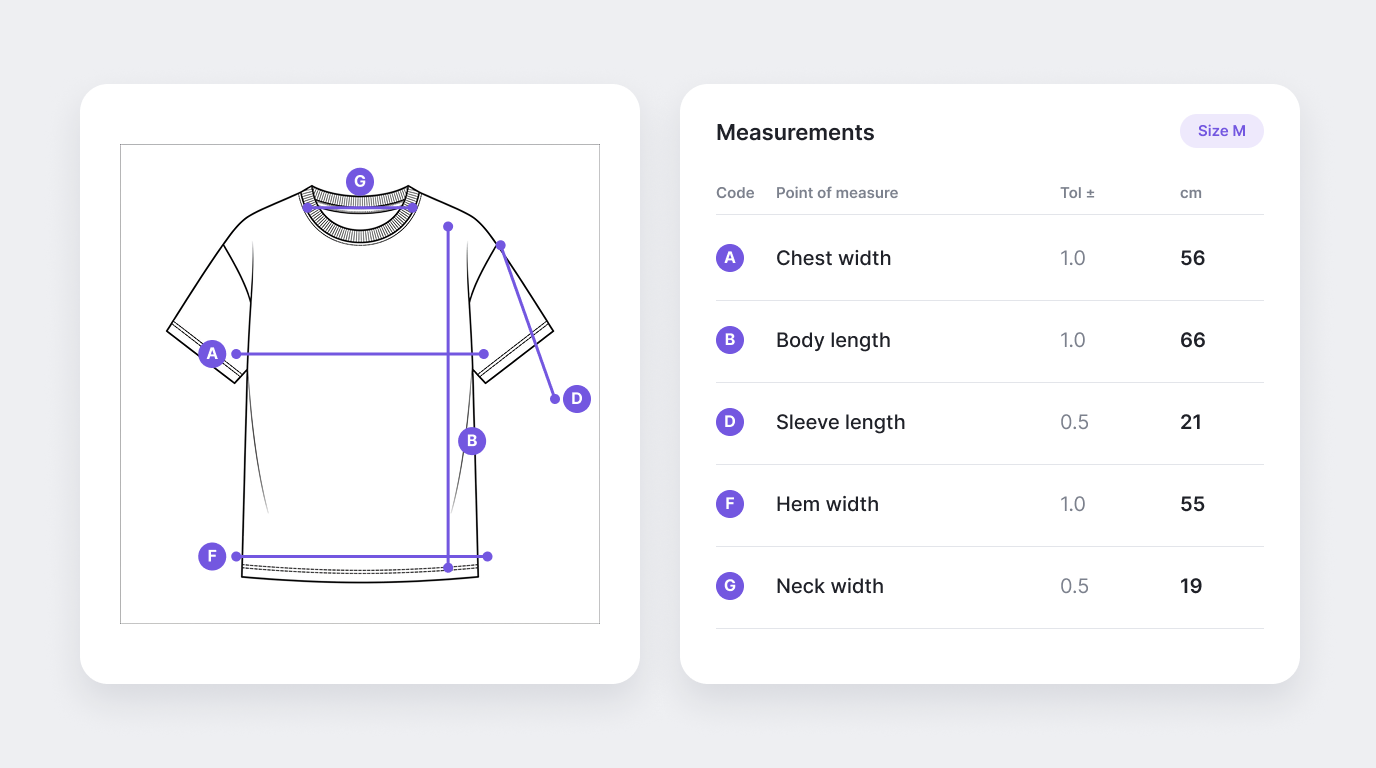
The measurement tab is where most first tech packs fall short, so here is part of the example. The values are for one style only, to show the level of detail. They are not a sizing standard.
| Code | Point of measure | How to measure | Tolerance (cm) | Size M (cm) |
|---|---|---|---|---|
| A | Chest width | 1 cm below armhole, edge to edge | 1.0 | 56 |
| B | Body length | High point shoulder to hem | 1.0 | 66 |
| D | Sleeve length | Shoulder seam to sleeve hem | 0.5 | 21 |
| F | Hem width | Edge to edge, at hem | 1.0 | 55 |
| G | Neck width | Seam to seam, inside neckband | 0.5 | 19 |
The full tab in the download has eight points of measure graded across five sizes, XS to XL. A spec sheet is sometimes just this page. A full tech pack is all eight tabs.
Template, Tech Pack Software or AI?
A spreadsheet template is the cheapest way to start. Whether it stays the right tool depends on how many styles you make each season.
| Option | Works well for | Watch out for |
|---|---|---|
| Spreadsheet template | A first collection, or a handful of styles a season | Every pack is typed by hand, and copies drift out of date when one gets emailed around |
| Tech pack software | Teams that want shared libraries and one place to work with factories | You still enter most specs yourself |
| AI tech pack generator | Teams with many styles, or no technical designer to spare | The draft still needs a person to check every number |
How AI tech packs work covers the third option in more detail.
Let Artifax Fill It In
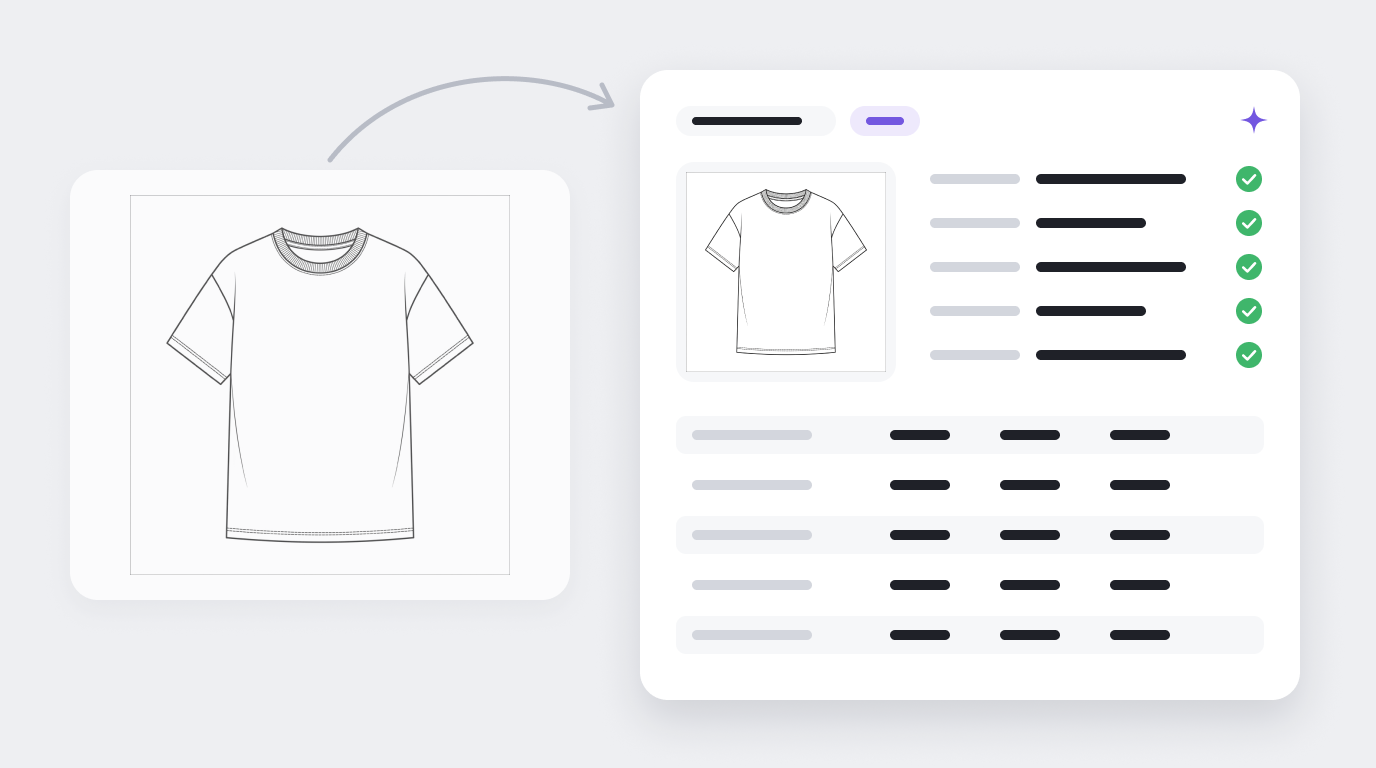
Filling in a template by hand works, but most of it is repeat work. Artifax builds a tech pack from each design your team makes in it, with measurements, BOM and colorways filled in. You can start from a sketch or a CAD flat, check and edit every field, and export the pack in the template your factory already works from.
Try Artifax free, or keep using the template. Either way, run through the check before you send it list before a pack goes to the factory.