Amazon India Seller Guide
Amazon India Seller Guide: How to Set Up and Sell Smarter
Launch your brand on Amazon India with AI-ready workflows. Go live faster with Streamoid tools that simplify setup, listing, and compliance for Indian marketplaces.
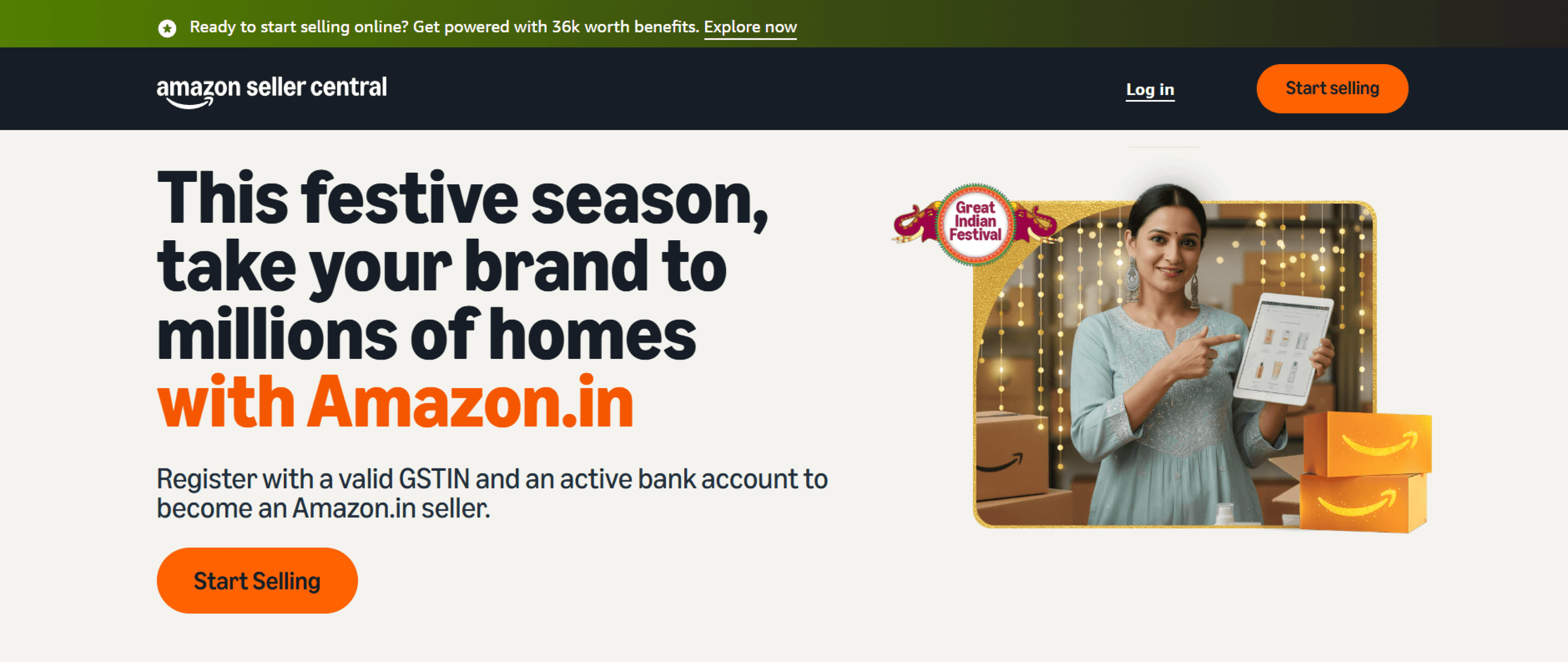
Step 1. Register as a Seller
Set up your Seller Central account.
You’ll need:
GSTIN
Bank details
Address proof
Brand contact information
Tip: Validate product attributes with Catalogix before upload for instant taxonomy fit.
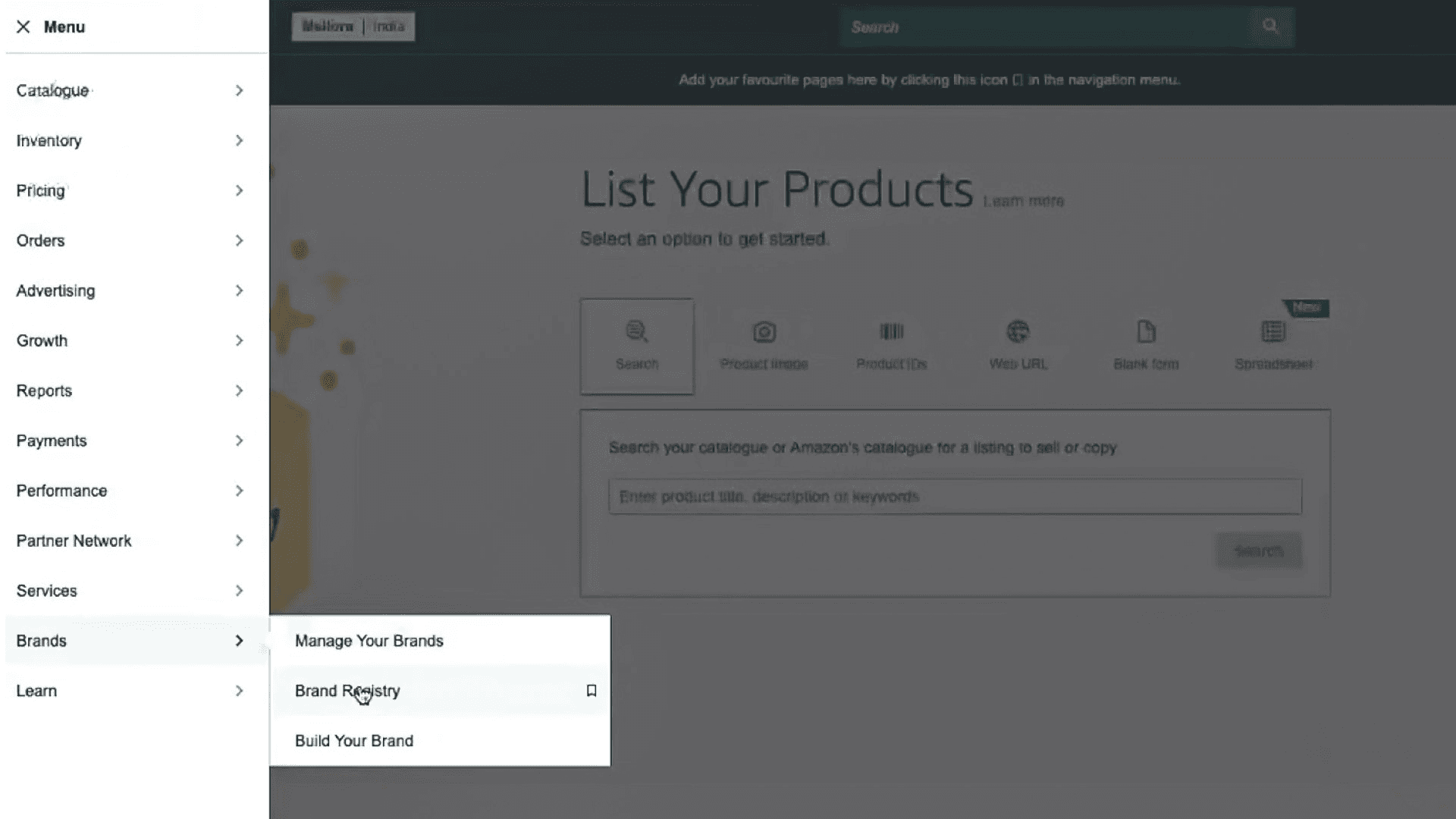
Step 2. Get Brand Approval
Apply for Brand Registry to secure A+ content access.
Checklist:
Trademark (applied or registered)
Product images showing logo
Official domain and brand email
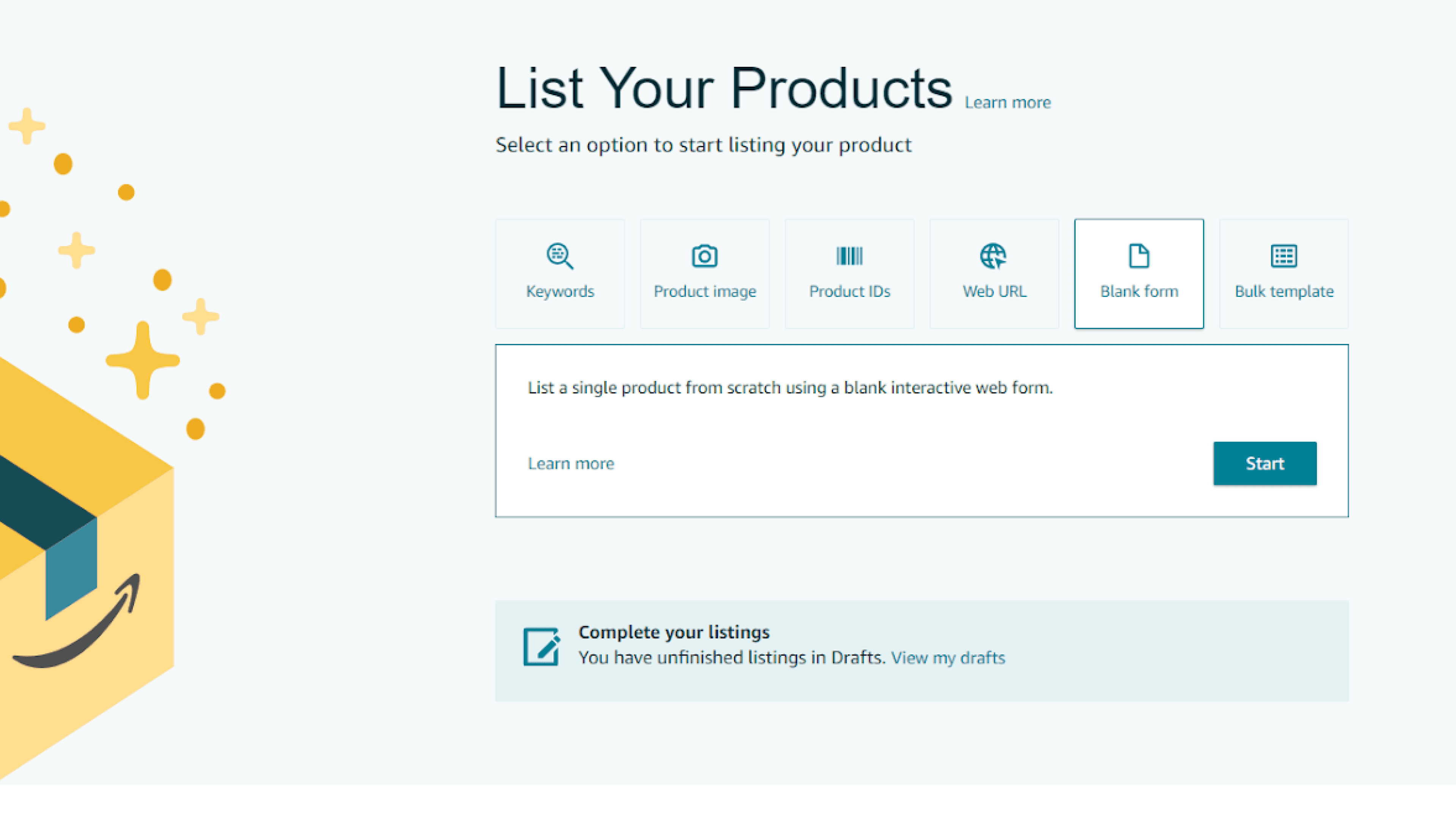
Step 3. List Products Accurately
Strong data drives visibility and conversion.
Best practices:
Use the correct taxonomy
Optimise titles (Brand + Type + Key Attribute)
Add clear, benefit-led bullet points
Tool: Catalogix auto-creates Amazon-compliant feeds in minutes.
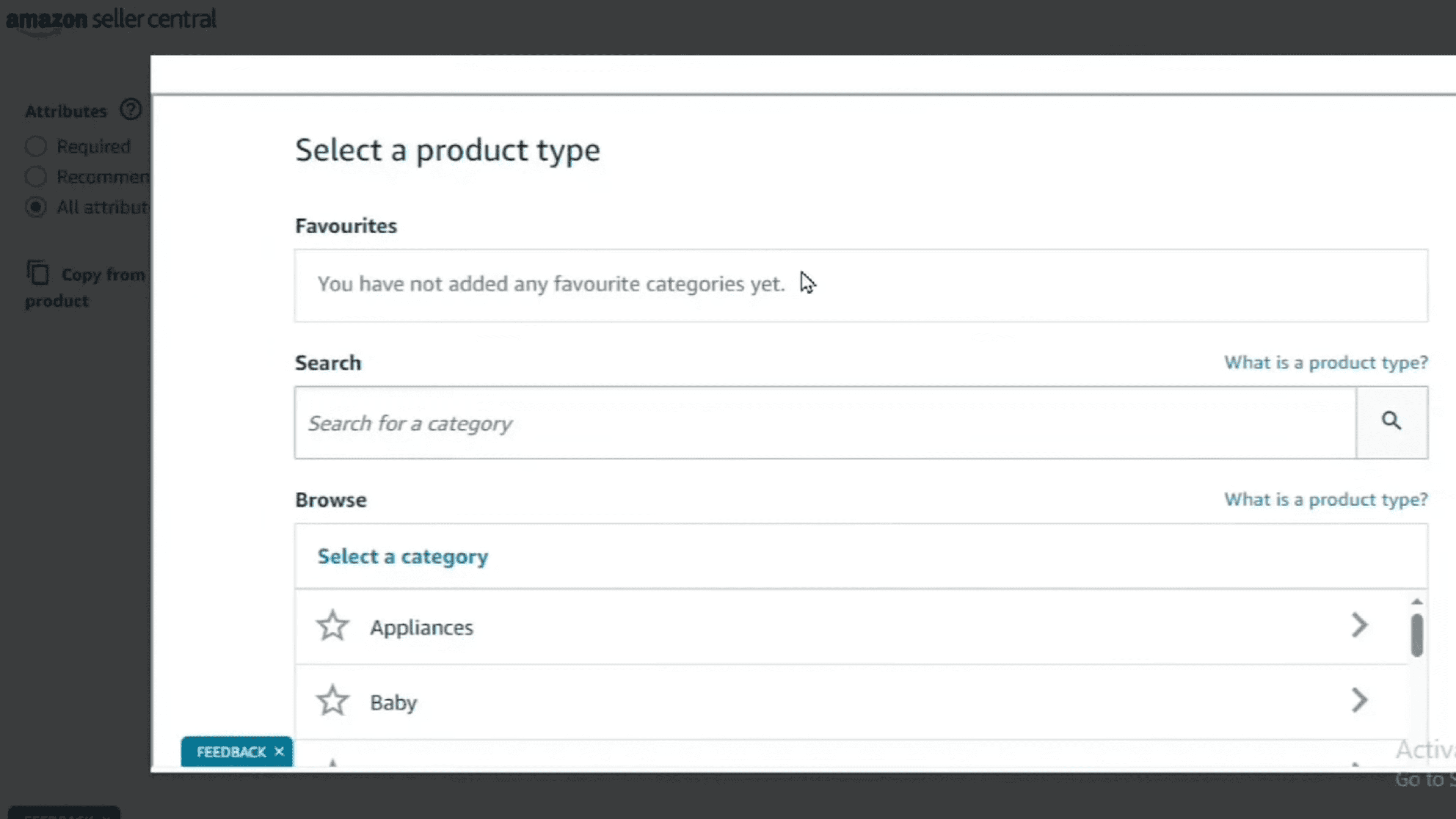
Step 4. Add Variations & Attributes
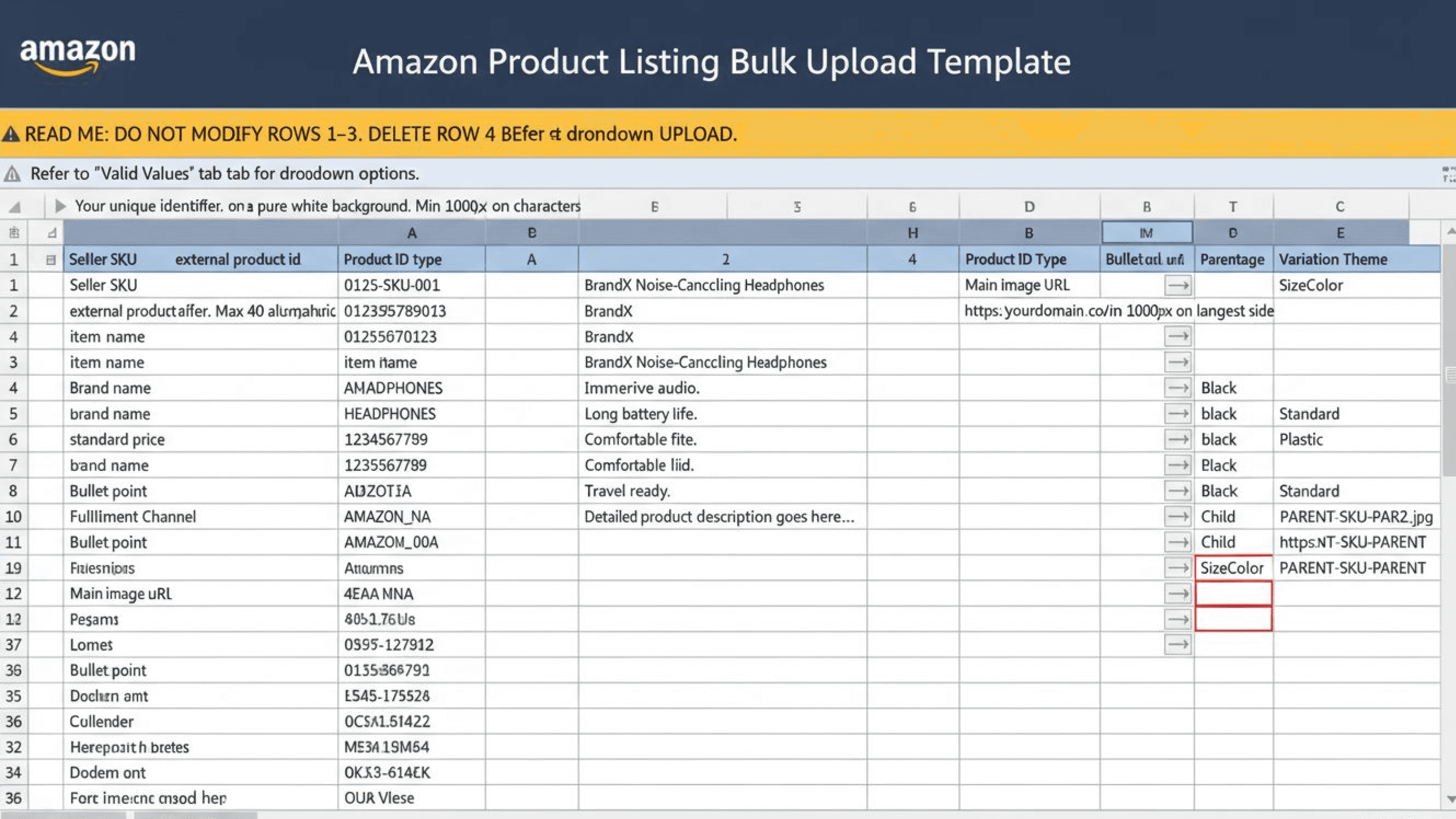
Structure parent–child SKUs correctly (e.g., T-Shirt → Red / Medium).
Avoid:
Mismatched size, color, or pattern data
Tool: Feed Readiness flags errors before upload.
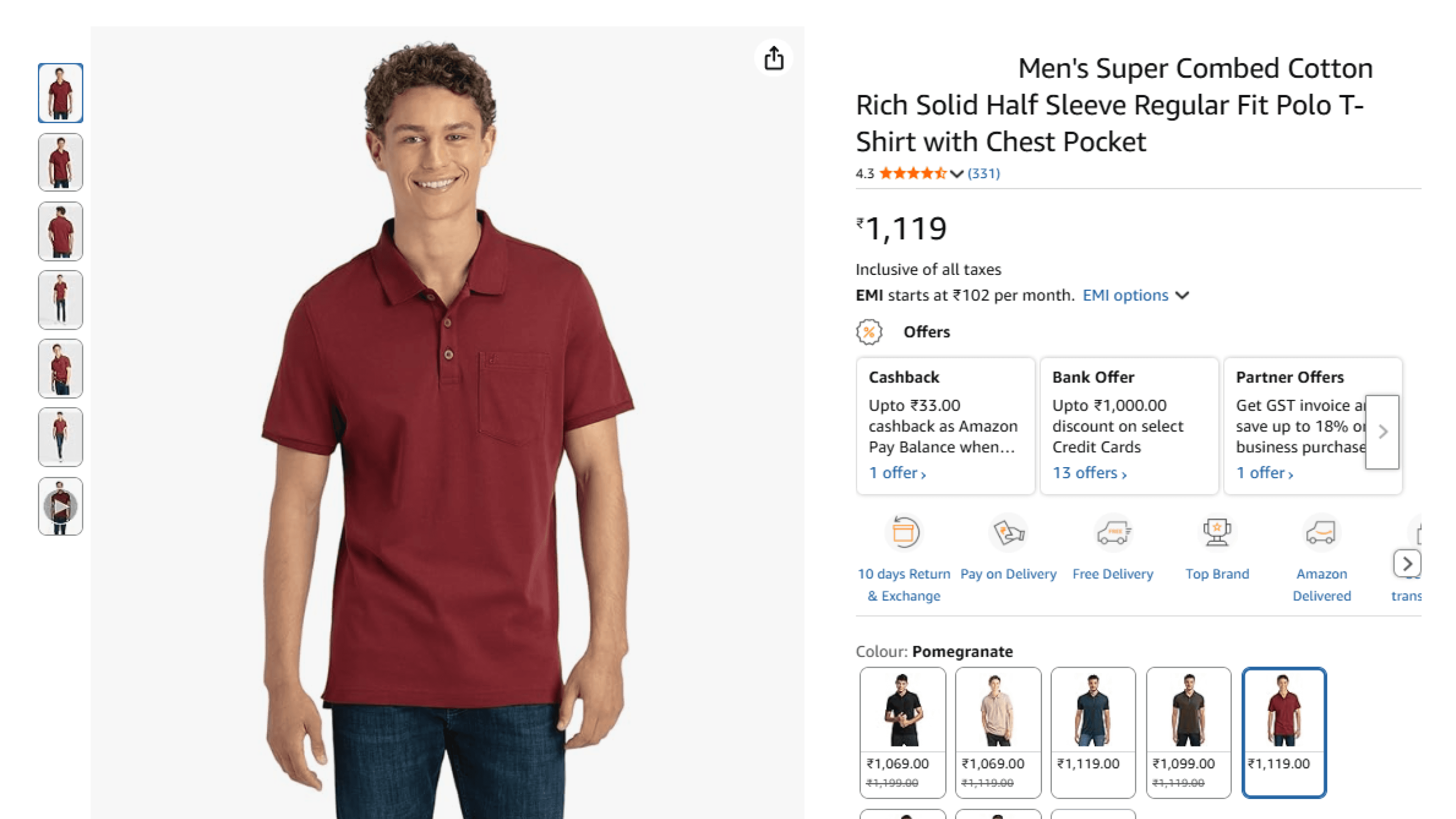
Step 5. Amazon Image Rules
Follow Amazon India’s product image standards:
White background (RGB 255,255,255)
Minimum 1000 × 1000 px
Product fills 85% of frame
No text, logos, or watermarks
Tool: Photogenix automatically resizes, retouches, and optimises images for each marketplace.
Step 6. Resolve Rejections Fast
Common rejection reasons:
Attribute mismatches
Incorrect GTINs
Image non-compliance
Streamoid tools fix them automatically:
Catalogix: Data validation and taxonomy checks
Photogenix: Image compliance automation
AI Alerts: Real-time rejection tracking
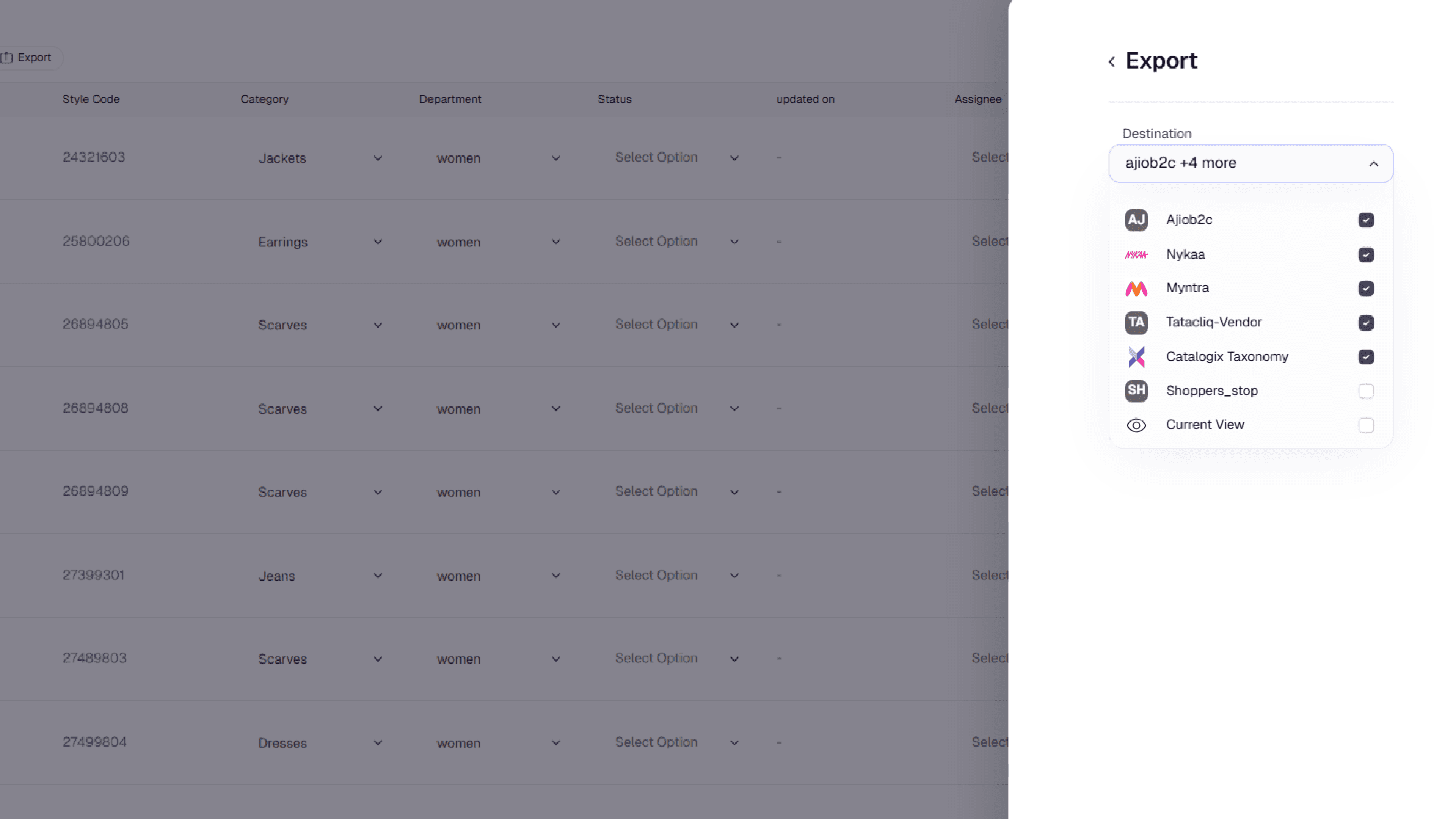
Step 7. Expand to Other Marketplaces
List once and sell everywhere, on Flipkart, Myntra, Ajio, and global Amazon stores.
Sync, update, and enrich with Streamoid’s unified feed system.