












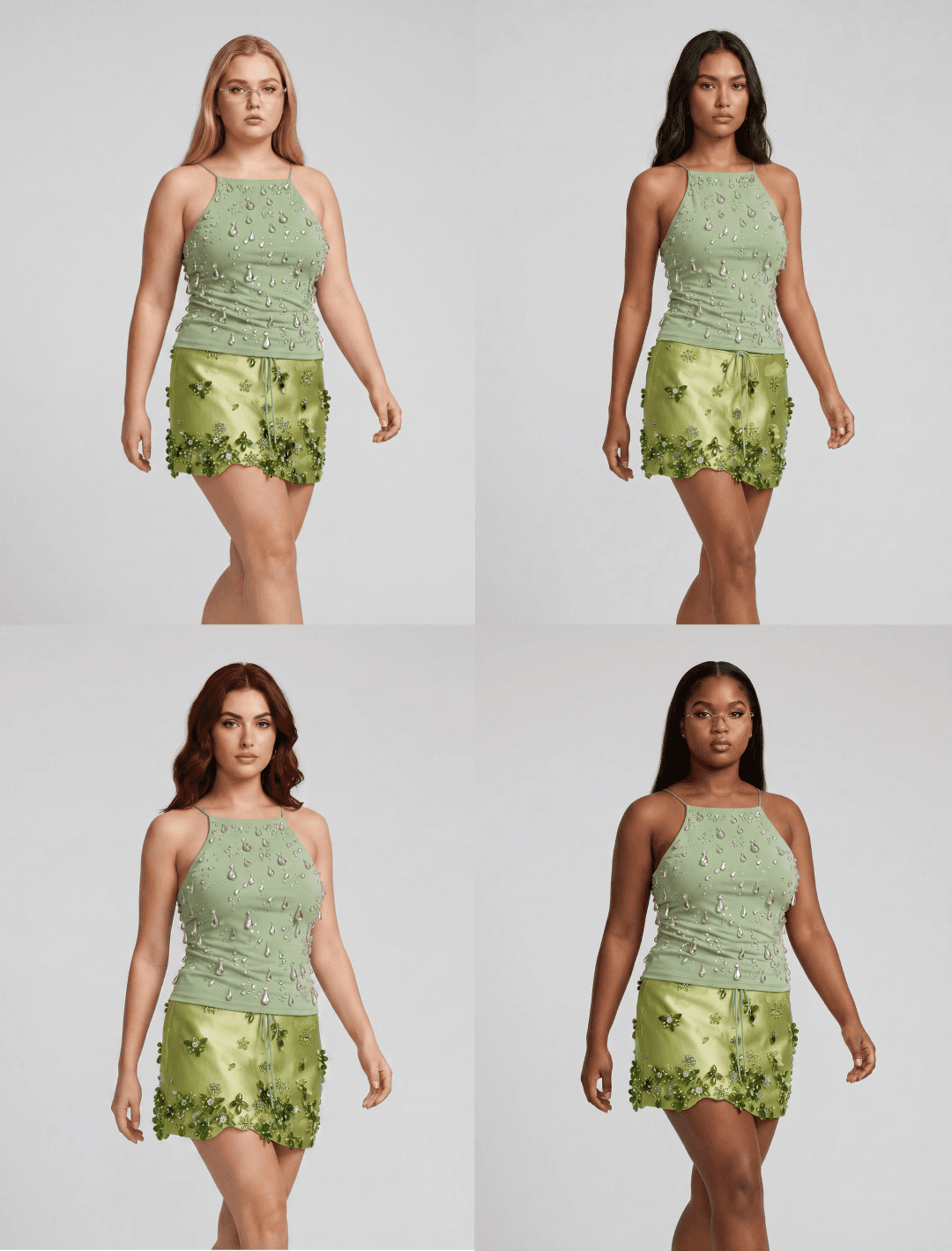
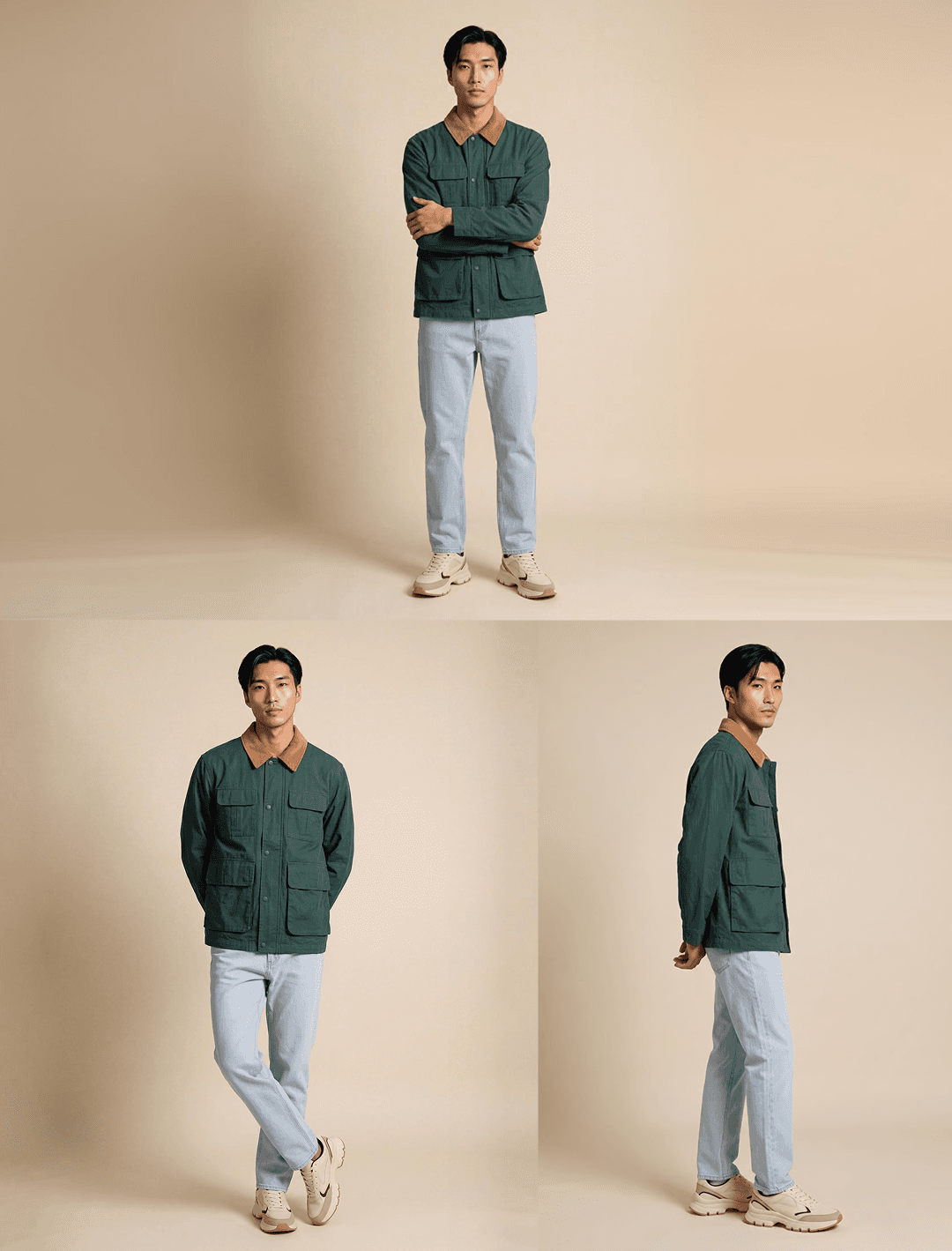
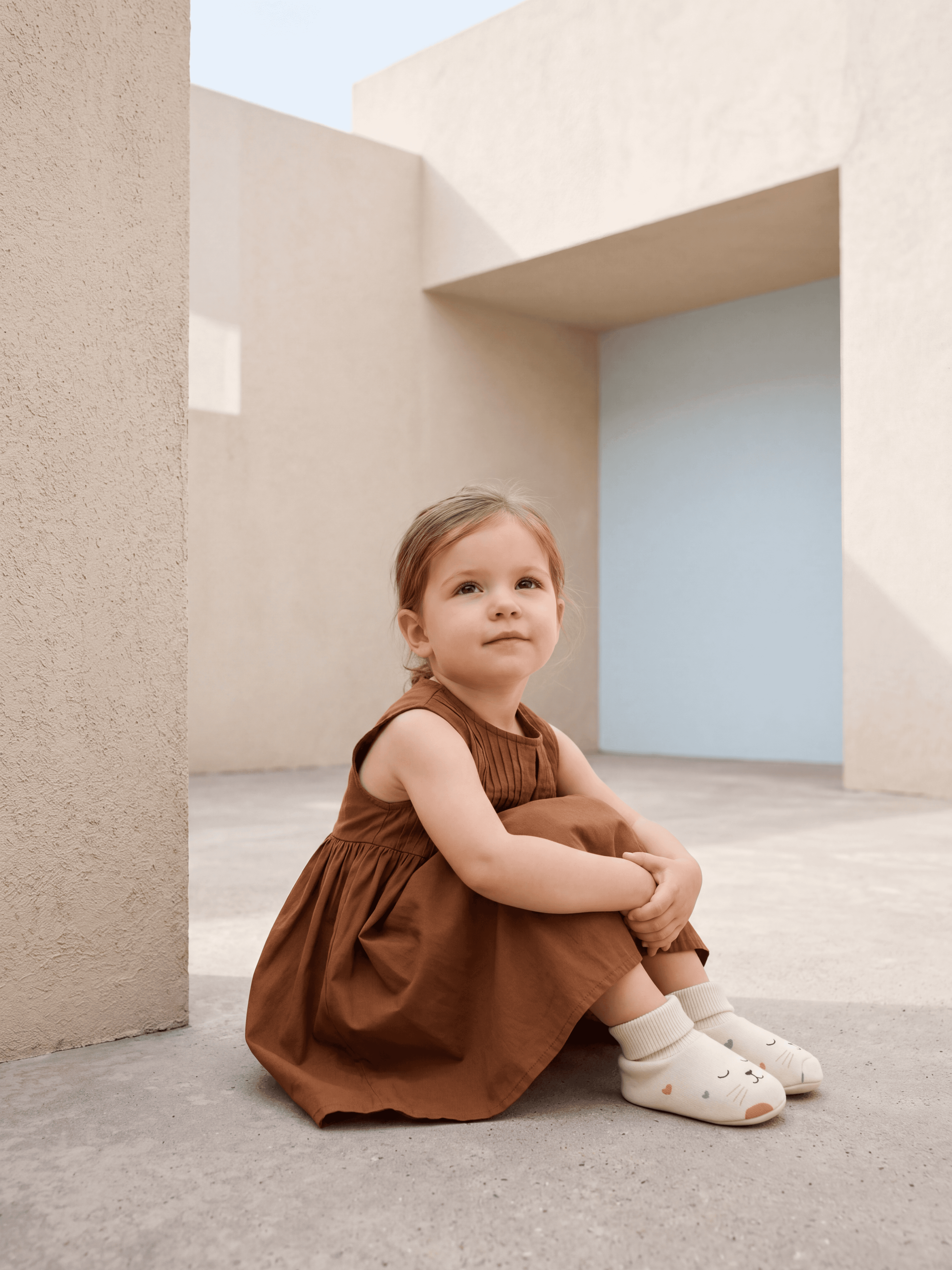
Define your standards once
Set up your brand guidelines once with PDF, website, or your own rules
Build a reusable library of approved models, backgrounds, styling, and colors
Every shoot stays consistent with your standards
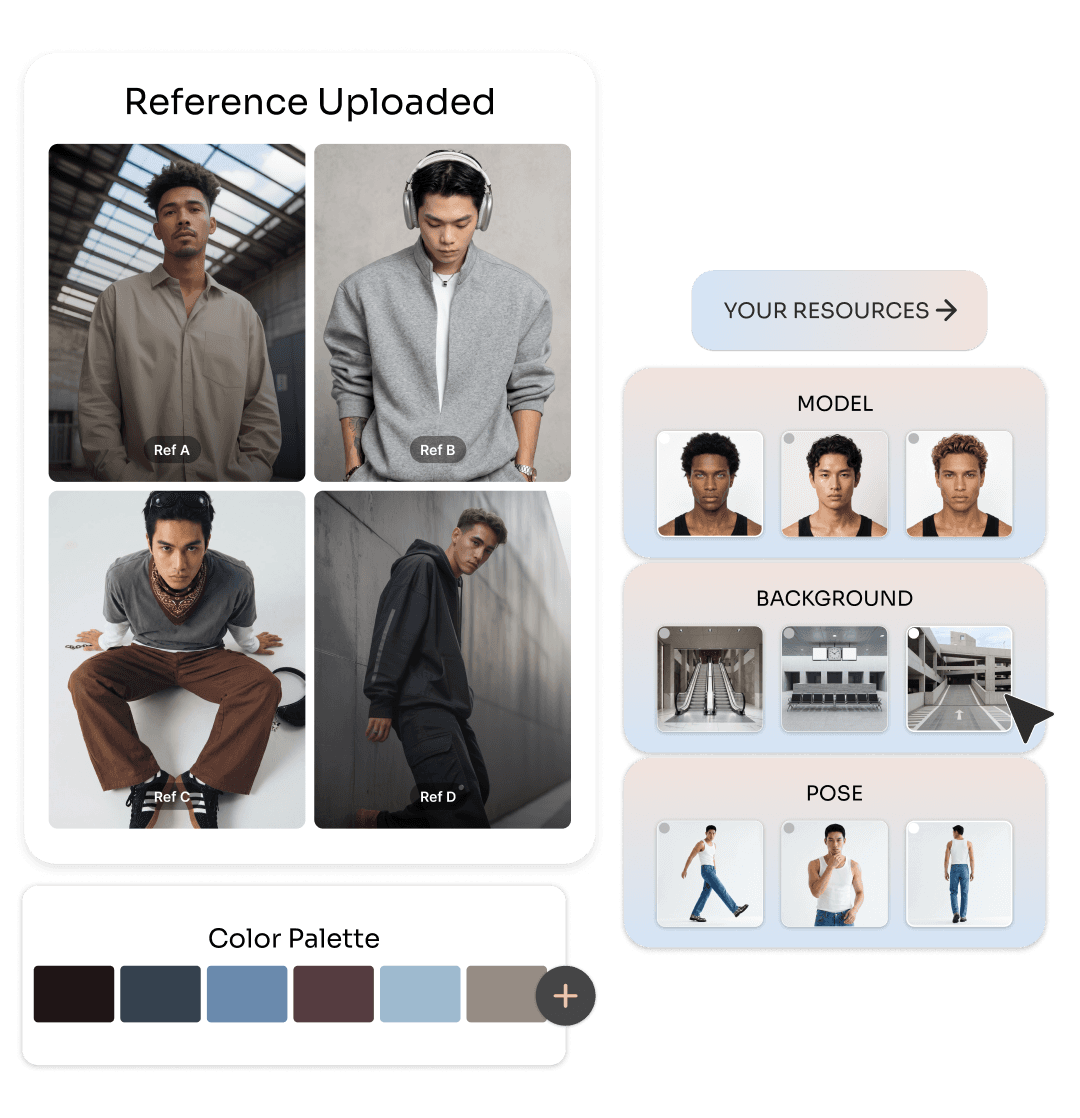
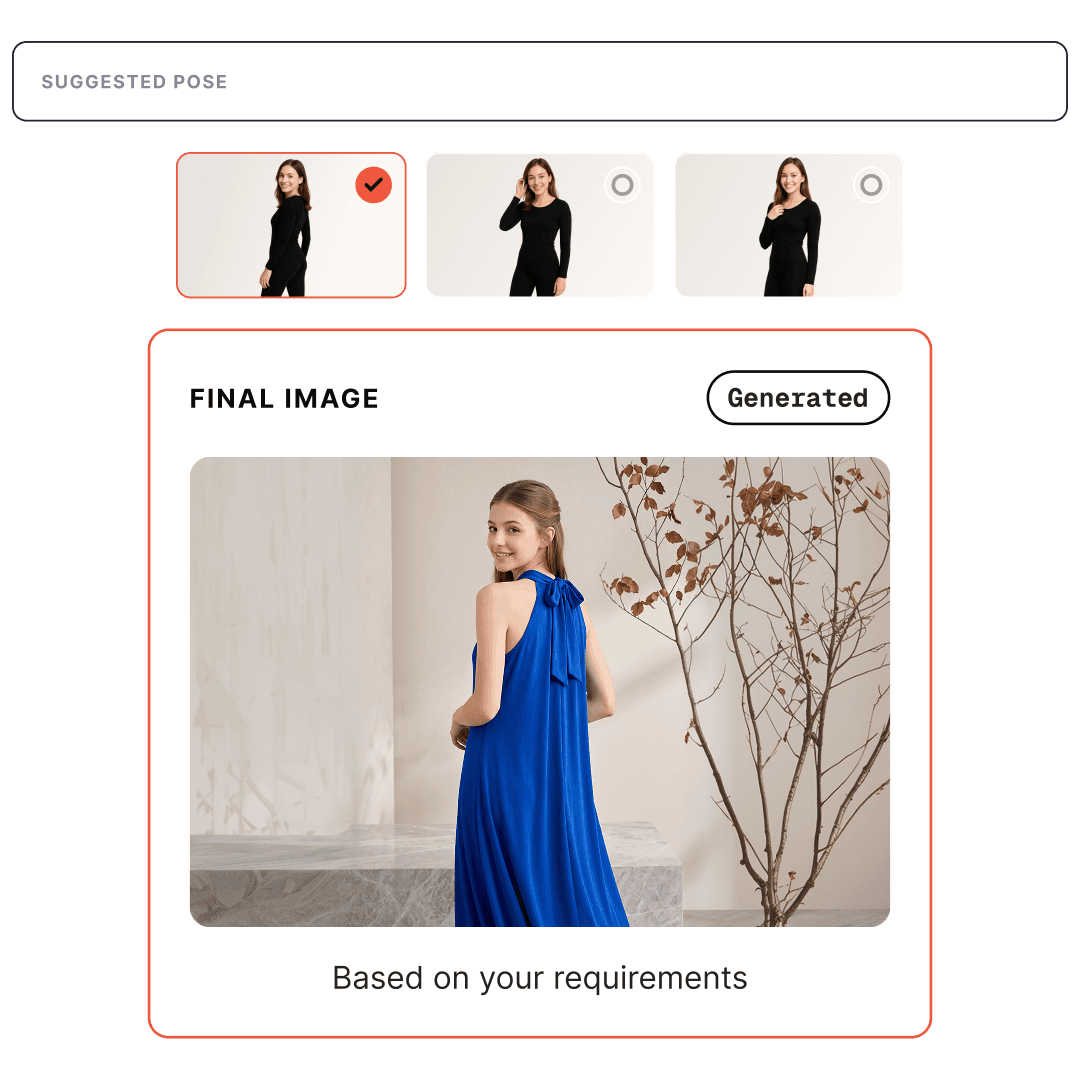
Generate in bulk with auto configure
Auto-configure each shoot for each individual product
Select best base image, model, hair, expression, pose, styling, and background
Generate thousands of images in one run with no prompting
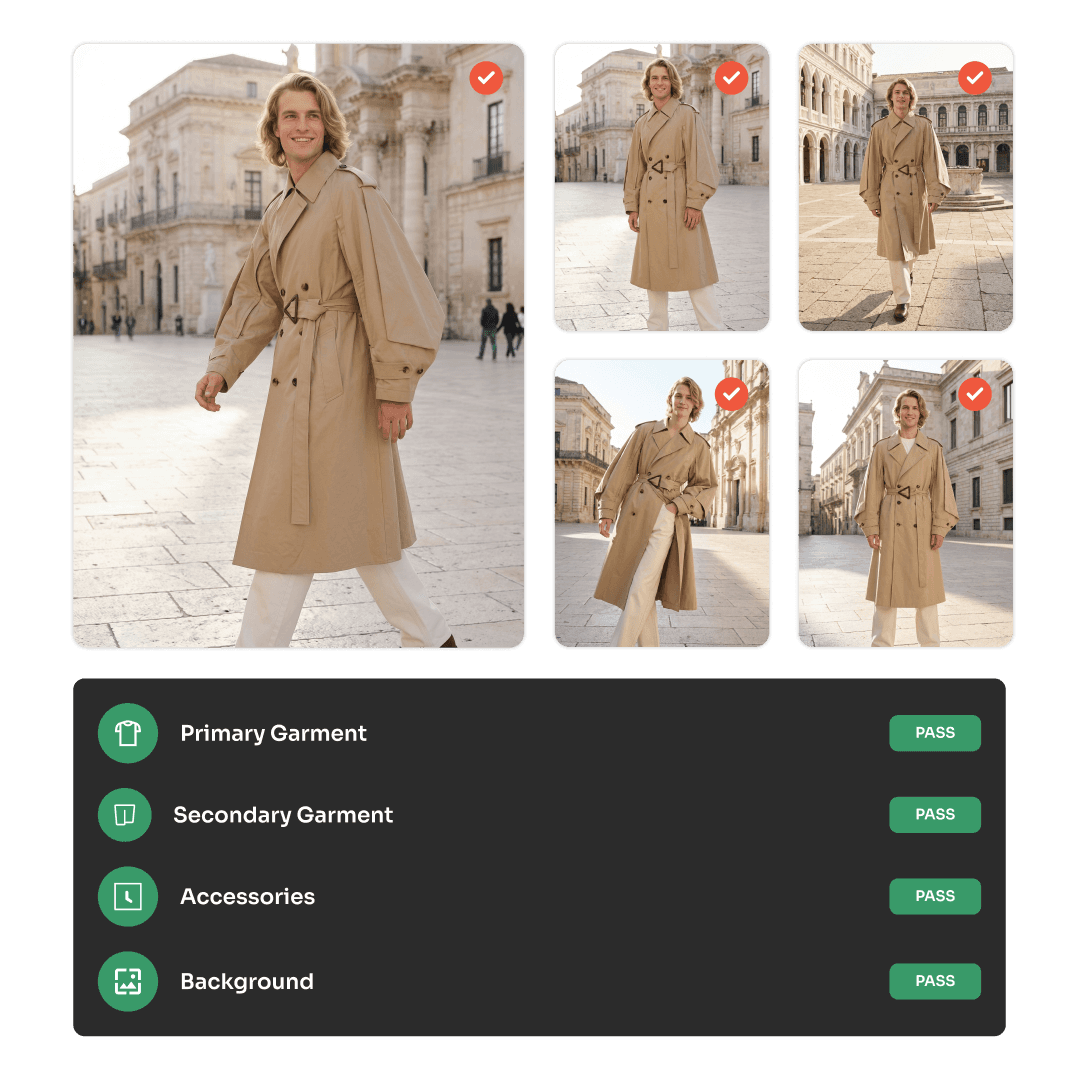
Quality controlled by default
Every output checked for accuracy, consistency, and guidelines
Failed outputs regenerate automatically
Correct color, backgrounds, logos, text, and retain specific details without leaving the tool

Audit-ready for the EU AI Act
Every image can carry content credentials that mark it as AI-assisted. Your provenance, built in.
— Capability and definition
What is Photogenix?
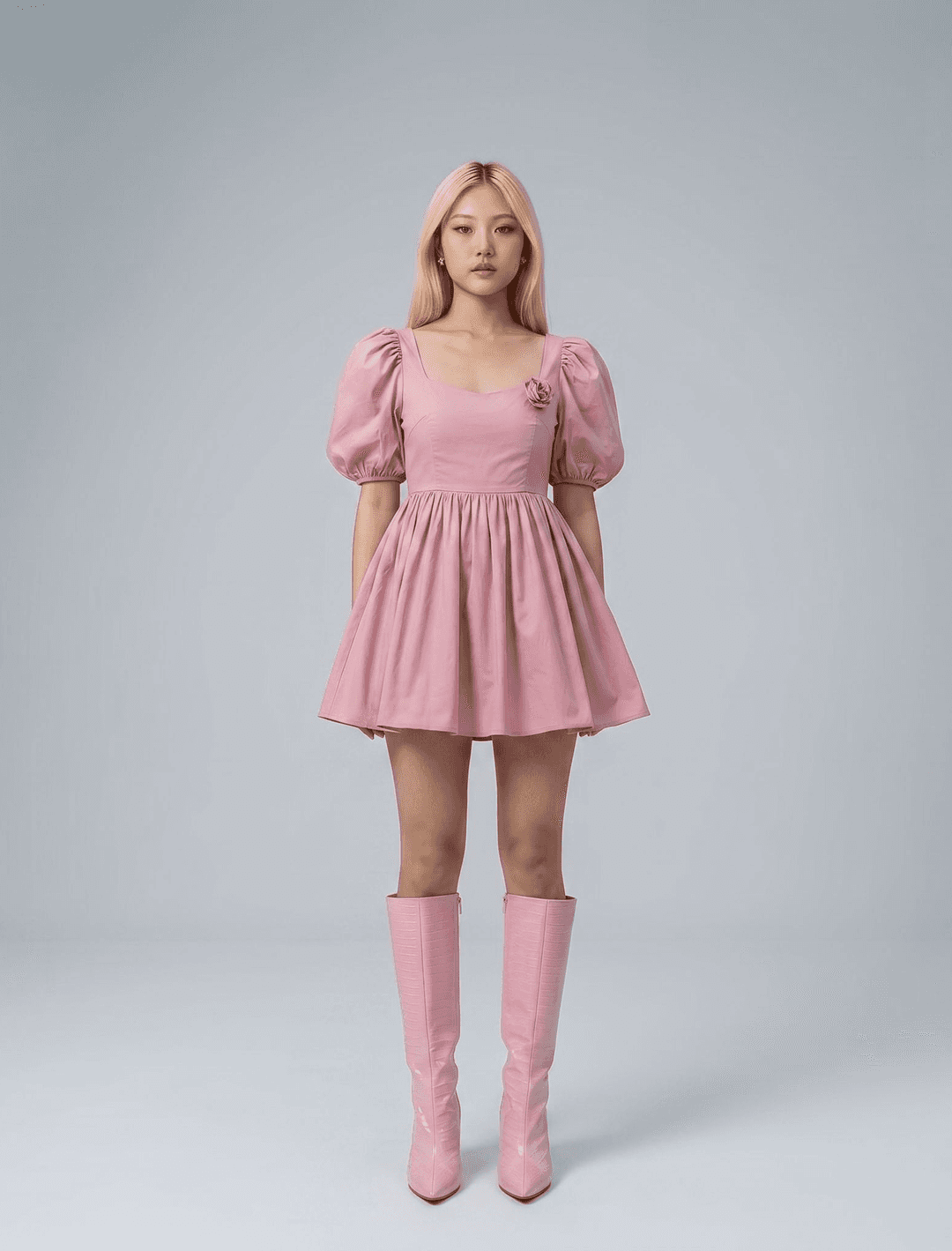
Photogenix is an AI product imagery platform for fashion brands and the studios and agencies that produce for them. It generates on brand model shots, ecommerce and marketplace images, ads, and product visuals in bulk, with shoot setup, quality control, and editing built into one platform.
Can AI generate model shots from flat lay or product photos?
Yes. Photogenix turns a single flat lay or product photo into studio quality model shots across different poses, models, backgrounds, and styling, without a physical shoot.
Can AI create product photography without a studio shoot?
Yes. Photogenix produces studio quality product and model imagery from your existing photos, so you can generate new shots without booking models, locations, or a photographer.
What types of images can Photogenix create?
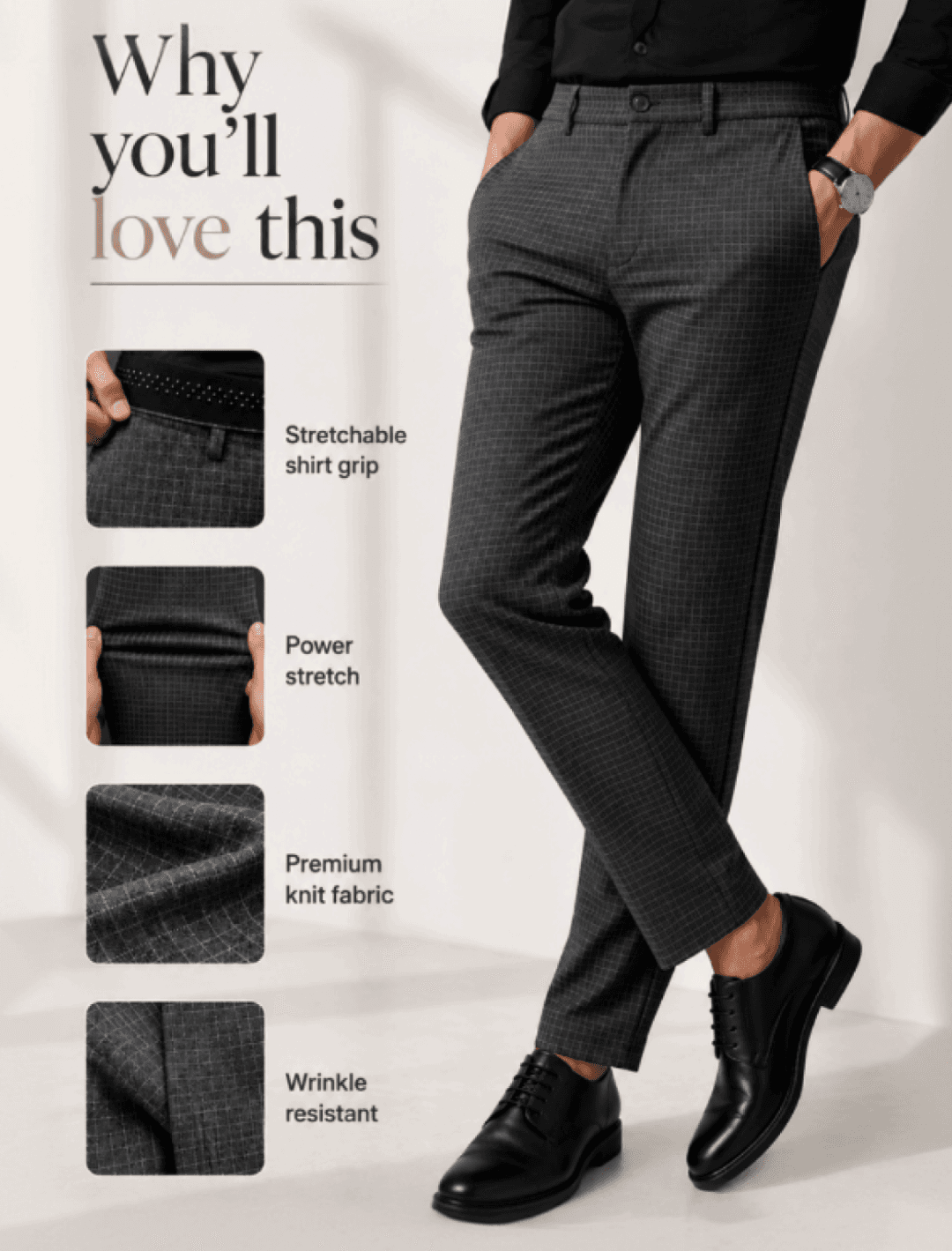
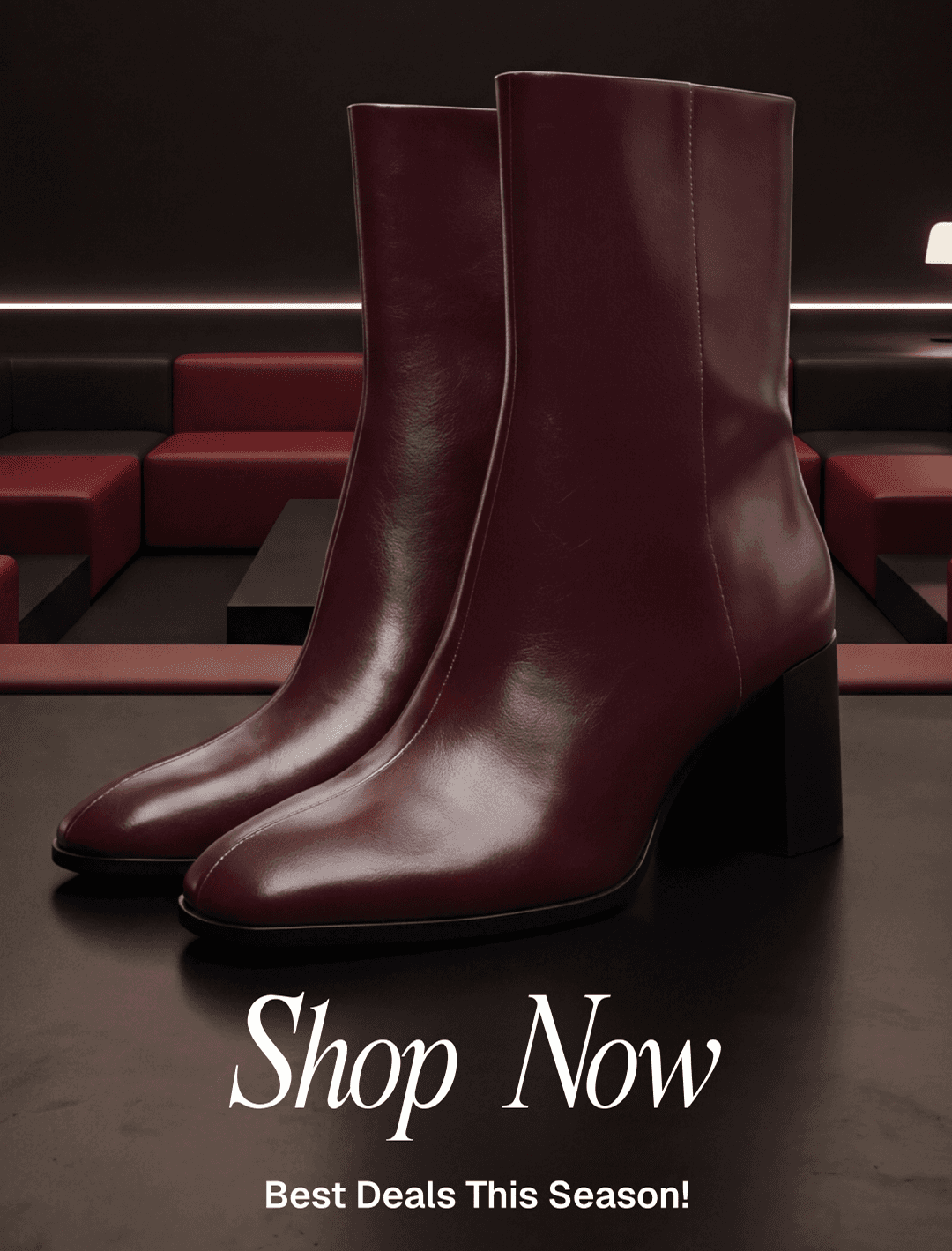
Photogenix creates model shots, ecommerce and marketplace listings, product detail page visuals, infographics, ads and banners, ghost mannequin and flat images, texture and swatch previews, and product video and social clips.
Can Photogenix generate ghost mannequin images?
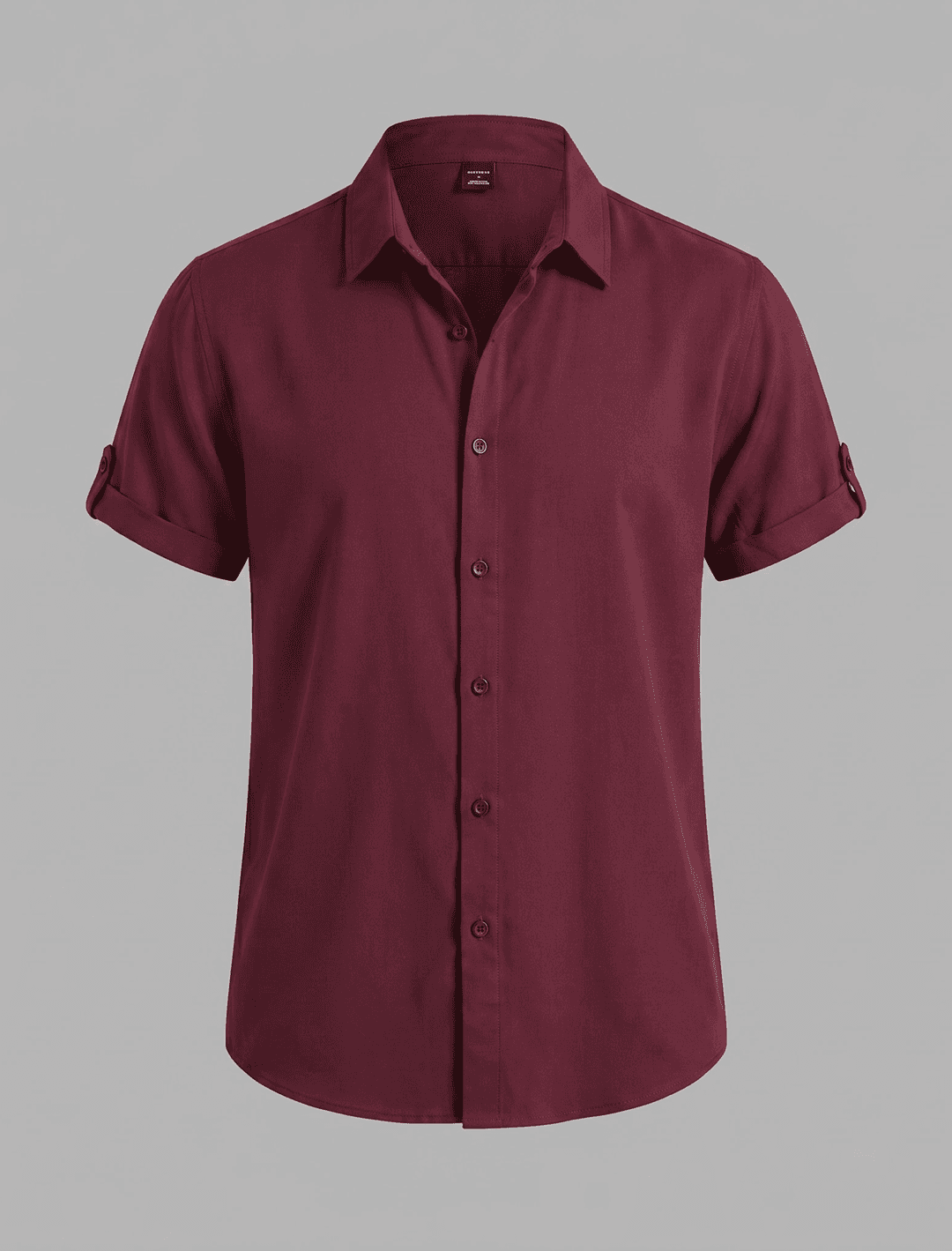
Yes. Photogenix generates 3D ghost mannequin shots and clean flat images directly from your source product photos.
Can Photogenix show how a fabric or print looks on a full product?
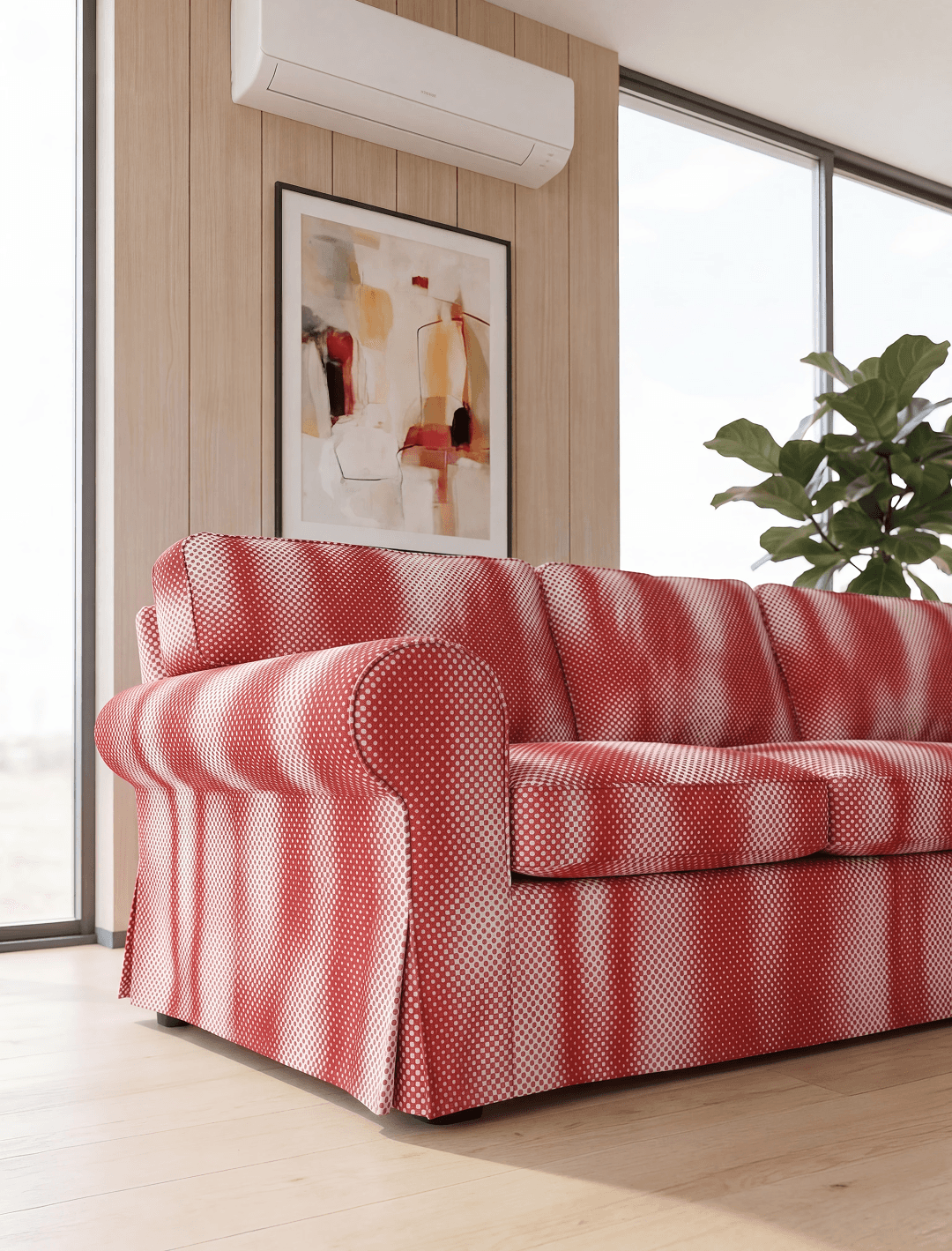
Yes. With texture and swatch, you upload a pattern or fabric and Photogenix shows how it reads across the entire product before you produce it.
Can Photogenix swap models or change backgrounds in an image?
Yes. Photogenix lets you change the model or refine the background and scene in an existing image without a reshoot.
— How it works
How does Photogenix generate images in bulk?
Photogenix uses a step called auto configure. For each product it selects the best base image, model, hair, expression, pose, styling, and background to match your brand, then generates thousands of images in one run, so teams never prompt shot by shot.
How does AI keep brand consistency across thousands of product images?
You set your brand standards in Photogenix once, by uploading a PDF, sharing a sample site, or defining the rules yourself. Photogenix saves a reusable library of approved models, backgrounds, styling, and colors and applies it to every shoot, so output stays consistent across the whole set.
What is Auto QC in AI image generation?
Auto QC is Photogenix's automatic quality control. It checks every output to confirm the rendered garment matches the original with no errors, that poses stay consistent across a set, and that everything meets your brand guidelines. Anything that fails is regenerated automatically.
Can you edit or fix AI generated images inside Photogenix?
Yes. Photogenix includes editing tools to correct color, backgrounds, objects, logos, text, fine details, and the position of any element, so you finish the work in the platform without moving files into Photoshop.
Can Photogenix resize images for different channels?
Yes. Photogenix exports to any dimension and fills the extra space with a matching border or generative fill, so one image is ready for every placement.
— Comparison
How does Photogenix compare to Midjourney, Firefly, or Stable Diffusion?
Those tools generate images from prompts one at a time. Photogenix adds the production system around generation: a reusable library of approved assets, shoots that configure themselves, automatic quality control across large sets, automatic regeneration of failed images, and editing inside the platform, so output is consistent and ready to use at scale.
We have already used AI image tools. What does Photogenix add?
Photogenix adds everything around the generation: a reusable library of approved assets, shoots that configure themselves so teams skip prompting, automatic quality control that keeps large sets consistent, automatic regeneration of anything that fails, and full editing inside the platform.
Can AI replace a traditional product photoshoot?
For most ecommerce and catalog imagery, yes. Photogenix generates studio quality model and product shots from existing photos, which removes the cost and time of booking models, studios, and crews for routine shoots.
— Cost and outcomes
How much does AI product photography cost compared to a studio shoot?
AI product photography with Photogenix costs a fraction of a traditional studio shoot, since there are no model, studio, or crew bookings, and you can generate many more images from each product. Pricing scales with volume, so reach out for a quote based on your catalog size.
How realistic are AI generated product images?
Photogenix produces studio quality, photorealistic images, and every output is checked automatically to confirm the product matches the original with no errors, so the results are accurate enough for ecommerce, marketplaces, and advertising.
How fast can Photogenix produce a full set of images?
Photogenix generates thousands of images in a single run, so a set that would take weeks of shooting and editing can be produced in a day.
— Workflow and fit
Does Photogenix work for photo studios and agencies?
Yes. Studios and agencies use Photogenix to run structured shoots at volume, apply each client's brand standards as presets, and deliver fully checked images organized by product.
What do I need to start using Photogenix?
You need your product photos and your brand guidelines. You set your standards once by uploading a PDF, sharing a sample site, or defining the rules yourself, and Photogenix handles setup and generation from there.
Can AI generate images for marketplaces like Amazon?
Yes. Photogenix produces images that meet common marketplace and listing requirements, and resizes them to the dimensions each channel needs.